

Businesses use WhatsApp Business automation software to automate customer conversations, follow up with leads, send notifications, manage support requests and run marketing campaigns at scale.
The best WhatsApp automation tool for your business depends on what you need to automate. A D2C brand may prioritise abandoned-cart recovery and order notifications, while a customer-support team may need a shared inbox, chatbot routing and CRM integration.
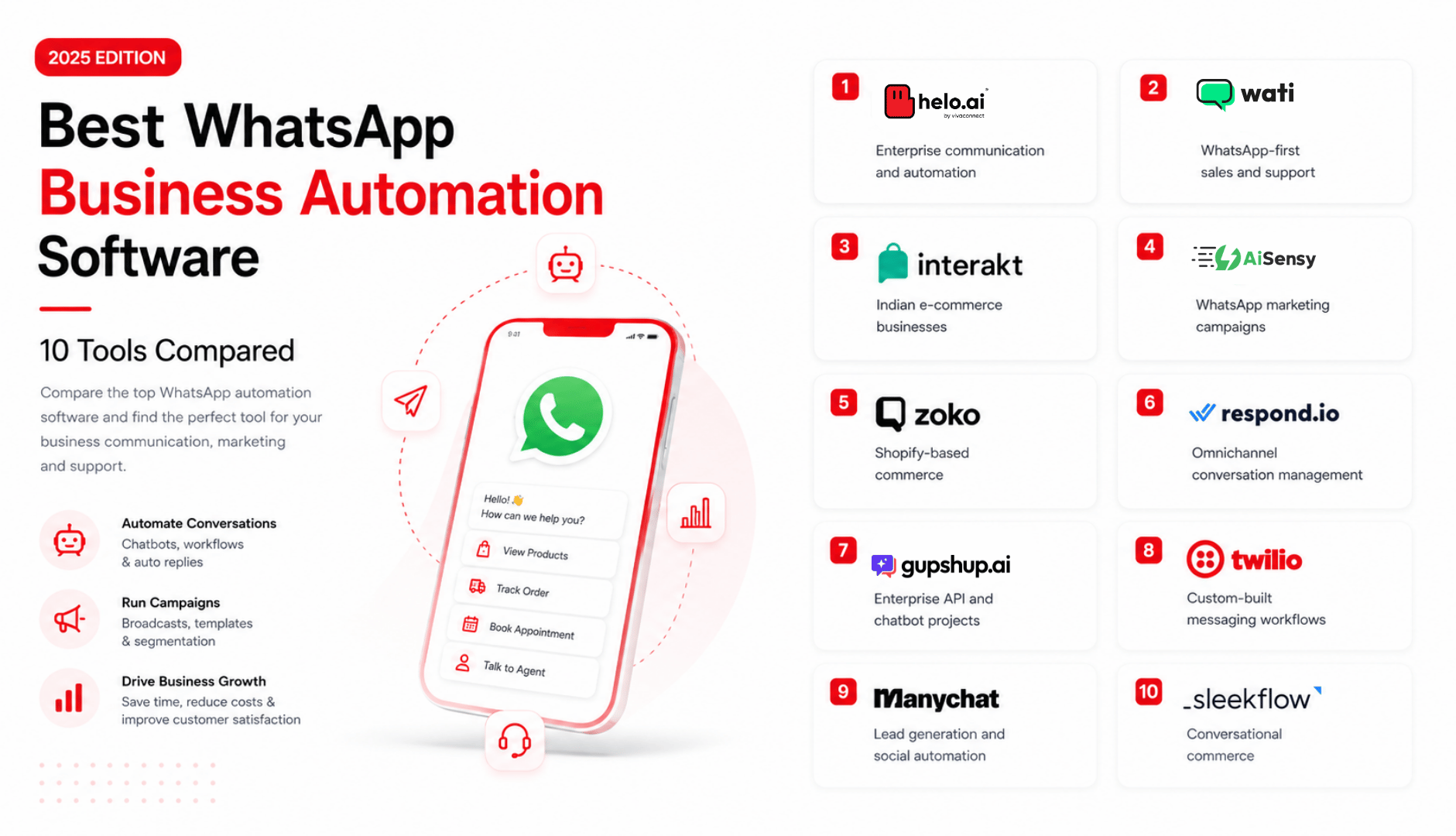
Quick Comparison: Best WhatsApp Business Automation Software
Software | Best for | Key capabilities | Suitable for |
|---|---|---|---|
1. Helo.ai | Enterprise communication and automation | WhatsApp automation, campaigns, conversational workflows, integrations, omnichannel messaging | Enterprises, retail, BFSI, e-commerce and support teams |
2. WATI | WhatsApp-first sales and support | Shared inbox, broadcasts, chatbot workflows and automation | Small and mid-sized businesses |
3. Interakt | Indian e-commerce businesses | Campaigns, customer support, product messaging and order updates | D2C and online stores |
4. AiSensy | WhatsApp marketing campaigns | Broadcasts, templates, chatbot flows and segmentation | Marketing teams and SMEs |
5. Zoko | Shopify-based commerce | Product selling, cart recovery and order communication | Shopify brands |
6. Respond.io | Omnichannel conversation management | Team inbox, workflow automation, CRM integrations and routing | Sales and support teams |
7. Gupshup | Enterprise API and chatbot projects | APIs, conversational experiences and custom integrations | Enterprises and developer teams |
8. Twilio | Custom-built messaging workflows | Programmable messaging, APIs, webhooks and integrations | Technical teams |
9. ManyChat | Lead generation and social automation | Automated flows, lead capture and audience engagement | Marketers and creators |
10. SleekFlow | Conversational commerce | Customer messaging, team collaboration and CRM workflows | Growing sales teams |
What Is WhatsApp Business Automation Software?
WhatsApp Business automation software helps businesses automate parts of customer communication through the WhatsApp Business Platform.
Instead of manually replying to every message, a business can create workflows that trigger the right response based on a customer’s action, question or stage in the buying journey.
For example, a customer may click a Click-to-WhatsApp ad, ask about a product, select a category, receive relevant details and then be transferred to a sales representative. The entire process can happen in minutes without an employee manually managing every first response.
Businesses commonly use WhatsApp automation for:
- Lead capture and qualification
- Product enquiries
- Customer support
- Appointment booking and reminders
- Order confirmation and shipment updates
- Payment reminders
- COD verification
- Abandoned-cart recovery
- Customer onboarding
- Promotional campaigns
- Feedback collection
- Repeat-purchase and reactivation campaigns
The WhatsApp Business Platform supports automation capabilities such as customer-support chatbots, message templates, interactive messages and automated customer journeys.
WhatsApp Business App vs WhatsApp Business API
Many businesses confuse the WhatsApp Business App with the WhatsApp Business API. They serve different needs.
Feature | WhatsApp Business App | WhatsApp Business API |
|---|---|---|
Best for | Small businesses with manual conversations | Businesses needing scale and automation |
Automated replies | Basic greeting and away messages | Advanced workflows and chatbots |
Multi-agent access | Limited | Shared team inboxes and routing |
CRM integration | Limited | Supported through software integrations |
Broadcasts | Basic and restricted | Campaign management and segmentation |
Notifications | Manual or limited | Automated order, payment and service updates |
Reporting | Basic | Advanced analytics through a software provider |
Best use case | One-person or small-team communication | Sales, support, marketing and enterprise workflows |
If your business only needs quick replies and basic greetings, the WhatsApp Business App may be enough. If you need chatbots, CRM integration, customer segmentation, multiple agents and event-based notifications, you need a WhatsApp Business API solution.
Learn more in this guide on WhatsApp Business App vs WhatsApp Business API.
How Does WhatsApp Automation Work?
A WhatsApp automation workflow usually includes five parts:
- Trigger: An event starts the workflow, such as a form submission, new order, abandoned cart, missed call or customer message.
- Customer data: The platform checks available information, including name, order status, product interest or lead source.
- Automated response: The customer receives a relevant message, quick-reply option, catalogue, form or notification.
- Decision path: The workflow changes based on the customer’s response.
- Human handoff: A sales or support agent takes over when the issue requires personal assistance.
For instance, an e-commerce workflow could send a reminder after a customer leaves a cart, share a payment link if the customer wants to continue, and route questions about delivery to the support team.
Best WhatsApp Automation Tools Reviewed
The best WhatsApp automation tool depends on whether your main goal is marketing, sales, customer support, e-commerce, CRM integration or custom API development.
Pricing can change based on billing cycle, country, agent seats, contact volume, automation usage and Meta messaging charges. The prices below are starting prices only and should be verified on the provider’s official pricing page before making a decision.
Tool | Best for | Public starting price* | Key advantage | Main limitation |
|---|---|---|---|---|
1. Helo.ai | Enterprise WhatsApp automation and omnichannel customer engagement | Custom pricing | Supports WhatsApp automation, campaigns, conversational workflows, integrations and multichannel engagement | Pricing requires a tailored quote; may be more comprehensive than a small business needs |
2. WATI | WhatsApp-first sales and support | From $59/month on annual billing | Strong shared inbox and no-code automation focus | Costs can rise with seats, add-ons and message usage |
3. Interakt | Indian D2C and e-commerce brands | From ₹3,499/quarter for Starter | Useful for campaigns, commerce and WhatsApp customer engagement | Advanced automation and integrations may require higher plans |
4. AiSensy | WhatsApp marketing and broadcasts | From ₹1,500/month | Accessible option for broadcasts and Click-to-WhatsApp campaigns | Best suited to campaign-led use cases rather than complex enterprise operations |
5. Zoko | Shopify commerce | From $49.99/month | Built for WhatsApp-based selling and Shopify workflows | Less suitable for non-commerce or broad omnichannel requirements |
6. Respond.io | Omnichannel sales and support teams | From $79/month | Strong workflow automation, routing and shared inbox capabilities | Pricing can rise with active contacts and extra users |
7. Gupshup | API-based enterprise projects | From $0.001 platform fee per message, plus Meta fees | Flexible API and enterprise messaging infrastructure | Usually requires technical resources or implementation support |
8. Twilio | Developers building custom workflows | $0.005 per WhatsApp message, plus Meta fees | Highly flexible developer APIs and integrations | Not an out-of-the-box marketing or support dashboard |
9. ManyChat | Lead generation and marketing automation | From $15/month, plus WhatsApp-related costs | Easy visual automation for marketing conversations | WhatsApp is an add-on and pricing increases with active contacts |
10. SleekFlow | Conversational commerce and multichannel teams | From $79/month, plus applicable fees | Combines team inbox, AI and multichannel messaging | Higher-cost plans may be needed for advanced automation and scale |
1. Helo.ai: Best for Enterprise WhatsApp Automation and Omnichannel Engagement
Helo.ai is suitable for businesses that need WhatsApp automation as part of a broader customer-engagement strategy. It can support automated customer conversations, campaigns, inbound messaging, conversational workflows and integrations across communication channels.
Pricing: Custom pricing based on business requirements, messaging volume, automation workflows, integrations, user access and implementation scope. Contact the team for a tailored quote.
Helo.ai is most relevant when a business needs more than bulk WhatsApp messages—for example, customer-service automation, lead routing, campaign management, order communication, CRM integration or an omnichannel communication setup.
For more information, readers can explore the WhatsApp automation platform, conversational engagement solution and WhatsApp automation for e-commerce.
The sitemap confirms relevant product pages for WhatsApp, conversational engagement, campaigns, integrations and industry solutions, so these three links are appropriate and sufficient for this section
2. WATI: Best for WhatsApp-First Sales and Support Teams
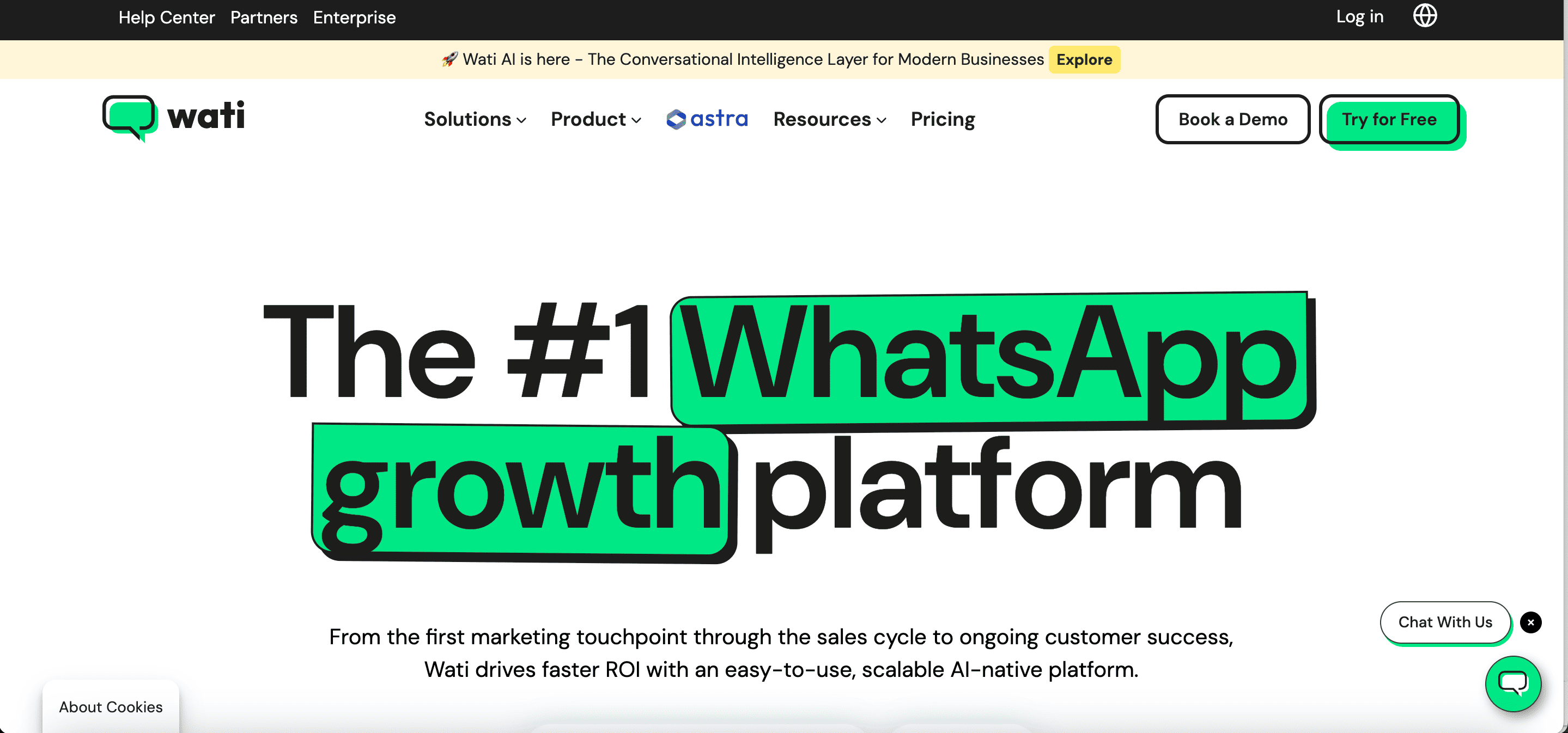
WATI is a WhatsApp Business API platform that focuses on shared inboxes, campaign messaging, chatbot workflows and customer-support automation. It is often used by businesses that want to centralise WhatsApp conversations for sales and support teams.
Pricing: WATI plans are commonly listed from around $59 per month on annual billing, while month-to-month pricing may be higher. Businesses should also account for Meta messaging charges, extra users, automation limits, AI features and integration requirements.
3. Interakt: Best for Indian E-commerce Businesses
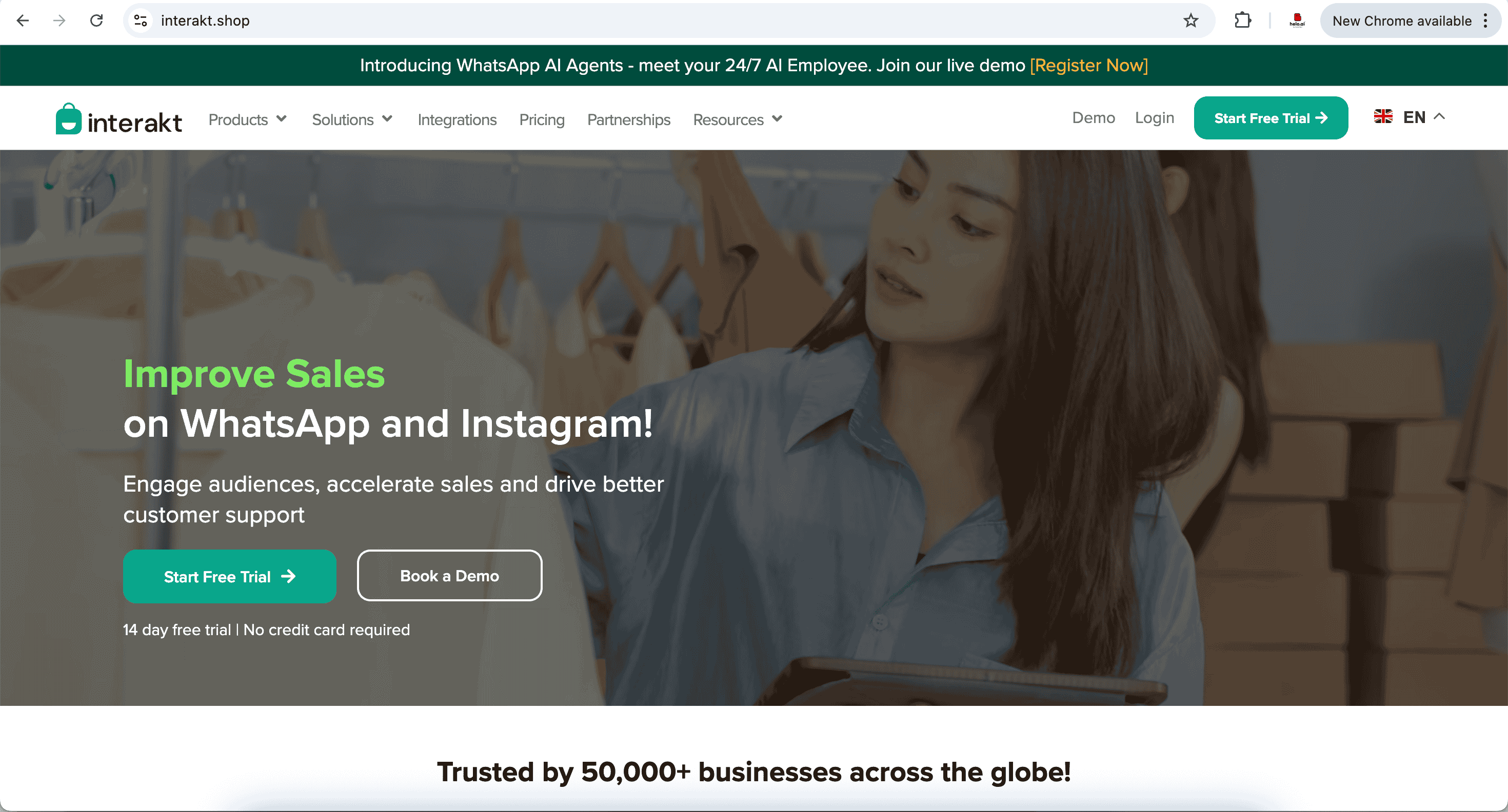
Interakt is commonly used by Indian D2C brands and online retailers for WhatsApp campaigns, customer conversations, product discovery, order updates and post-purchase engagement.
Pricing: Interakt’s Starter plan is publicly listed from ₹3,499 per quarter for India, while higher plans add more automation, campaign and integration features. Growth plans may start around ₹2,499 per month, depending on plan and billing cycle. Meta charges are additional.
4. AiSensy: Best for WhatsApp Marketing and Broadcast Campaigns
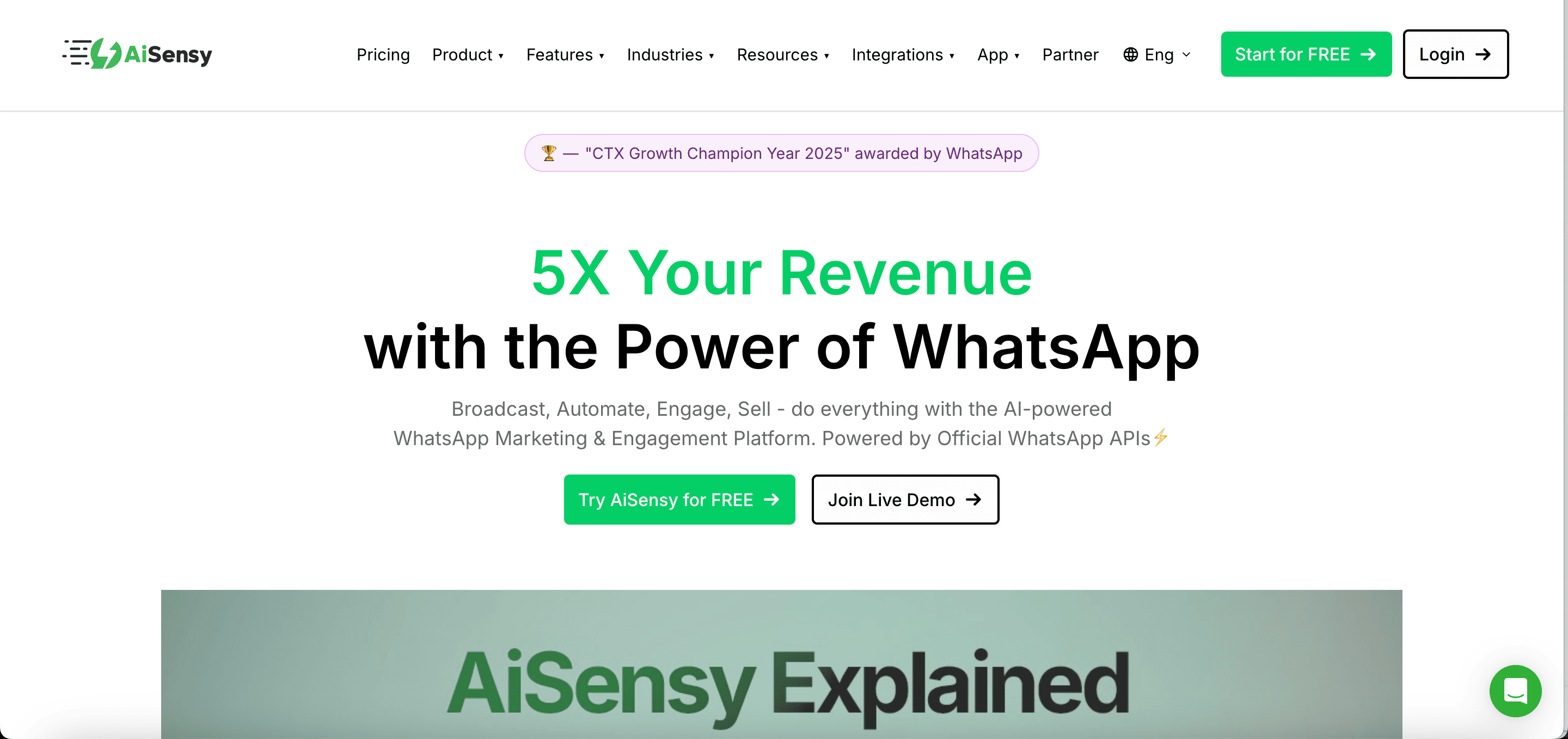
AiSensy is a WhatsApp marketing platform often considered by businesses that need to run broadcasts, manage templates, segment customers and automate campaign follow-ups.
Pricing: AiSensy publicly lists plans from ₹1,500 per month. Meta message charges are billed separately based on message type and destination market.
5. Zoko: Best for Shopify and Conversational Commerce
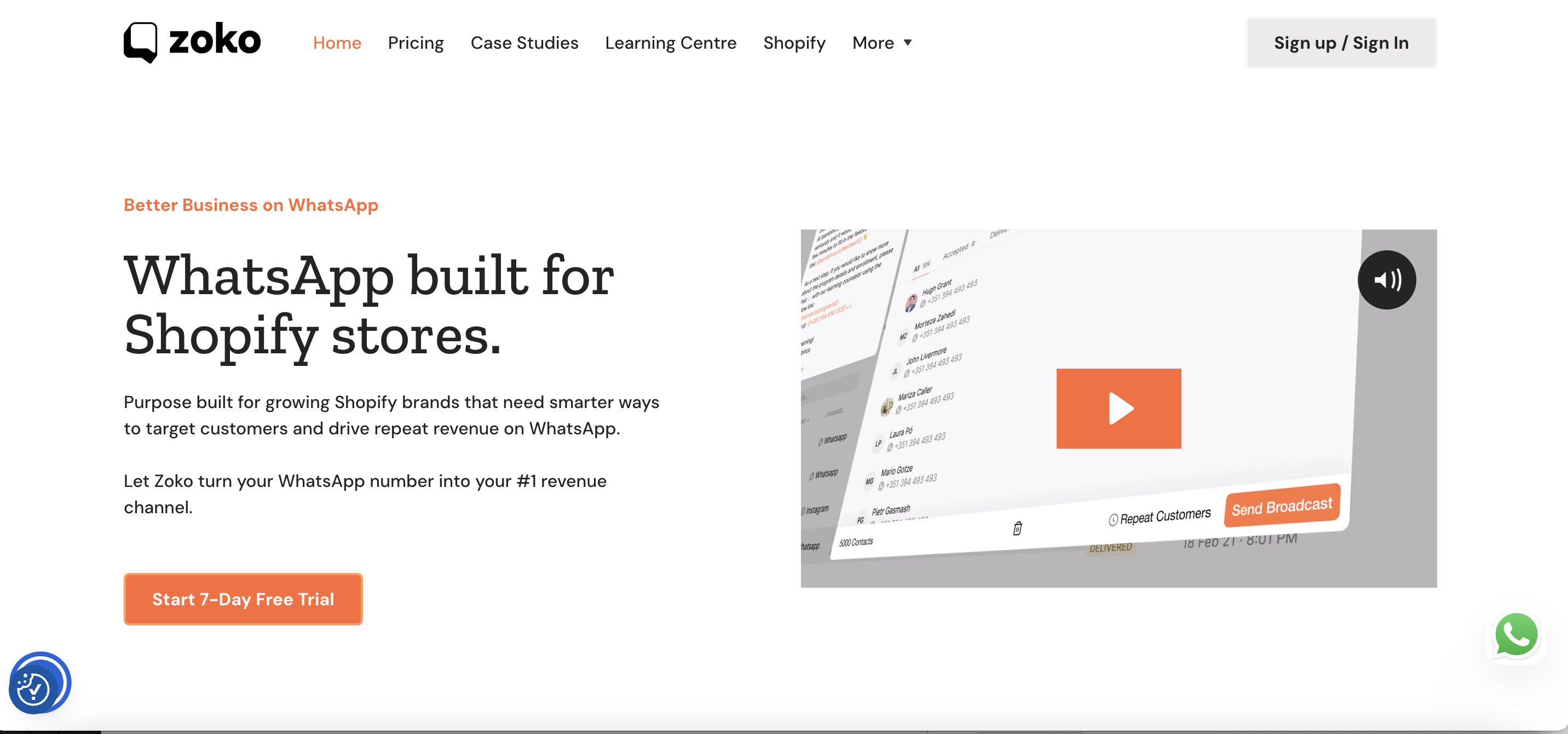
Zoko is designed primarily for Shopify merchants that want to sell, support and engage customers through WhatsApp.
Pricing: Zoko’s public plans start from $49.99 per month. Higher plans include larger conversation allowances and additional capabilities. Meta messaging charges may still apply depending on the workflow and message type.
6. Respond.io: Best for Omnichannel Sales and Support Teams
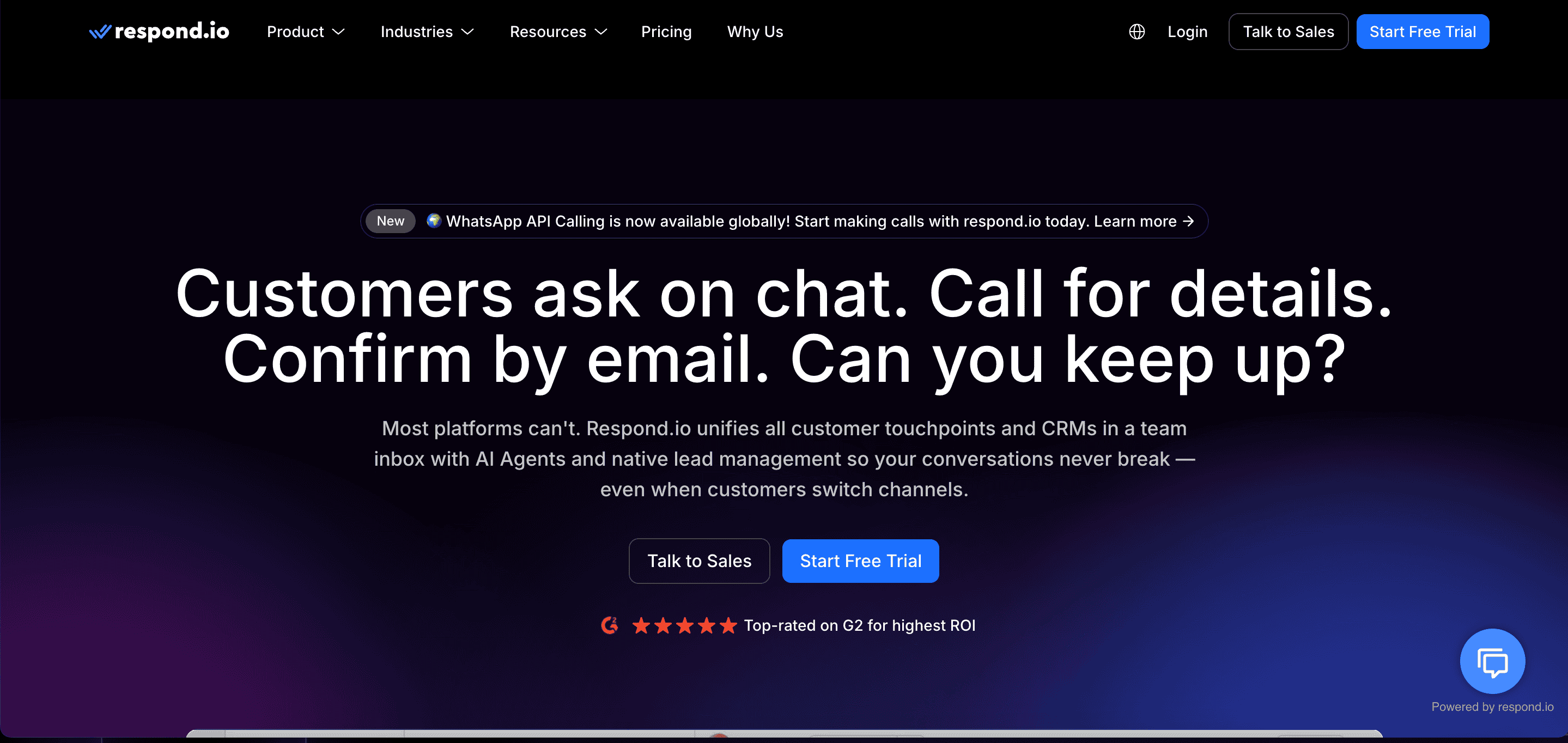
Respond.io is designed for businesses that want to manage WhatsApp alongside other messaging channels. Its core strengths are workflow automation, routing, team collaboration and contact management.
Pricing: Respond.io’s Starter plan begins at $79 per month. Growth and Advanced plans are listed at $159 and $279 per month, respectively. Costs may increase based on active contacts, added users and AI credits.
7. Gupshup: Best for Enterprise API and Custom Messaging Projects
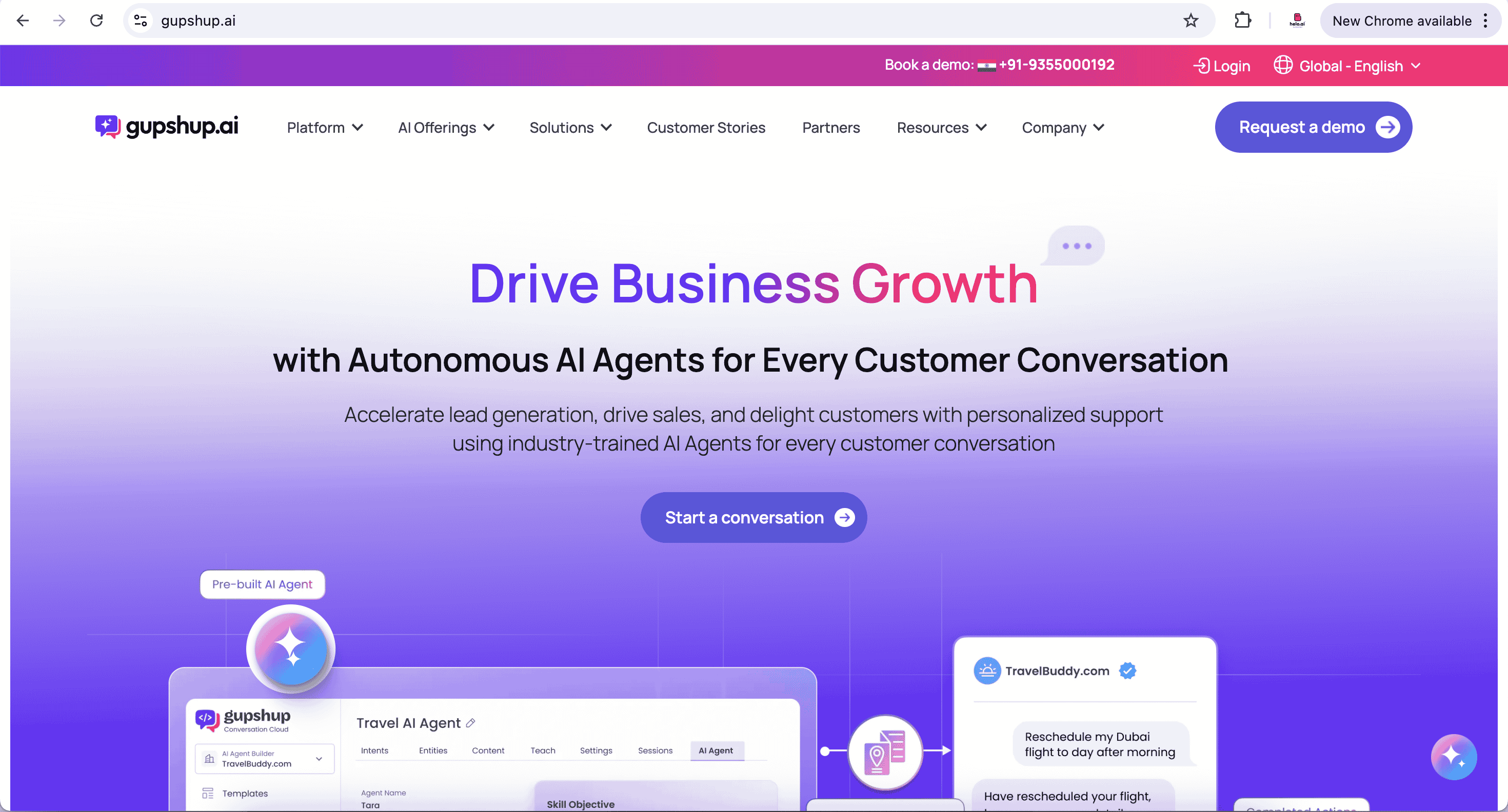
Gupshup is an enterprise messaging provider that supports WhatsApp Business API access, conversational experiences and custom integrations.
Pricing: Gupshup publishes a platform fee from $0.001 per message, in addition to applicable Meta WhatsApp fees. Enterprise pricing and implementation costs may vary based on volume, use case and support requirements.
8. Twilio: Best for Developers and Custom Workflows
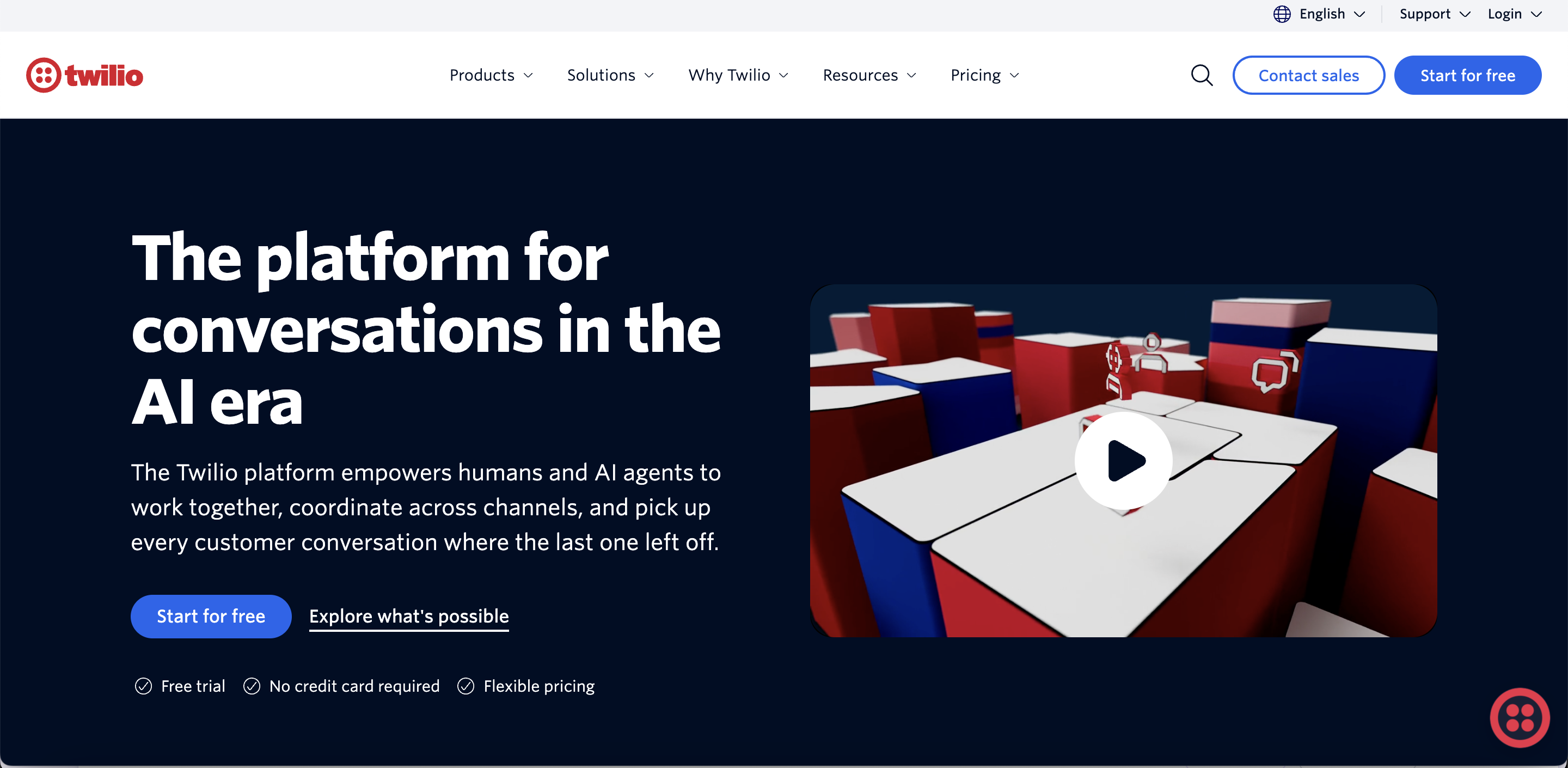
Twilio provides programmable communication APIs for businesses that want to build custom WhatsApp messaging into their own applications, CRM systems or customer-support platforms.
Pricing: Twilio charges $0.005 per WhatsApp message sent or received, plus Meta’s applicable template-message fee. Additional costs may apply for related products such as Conversations API, phone numbers, verification and AI services.
9. ManyChat: Best for Lead Generation and Marketing Automation
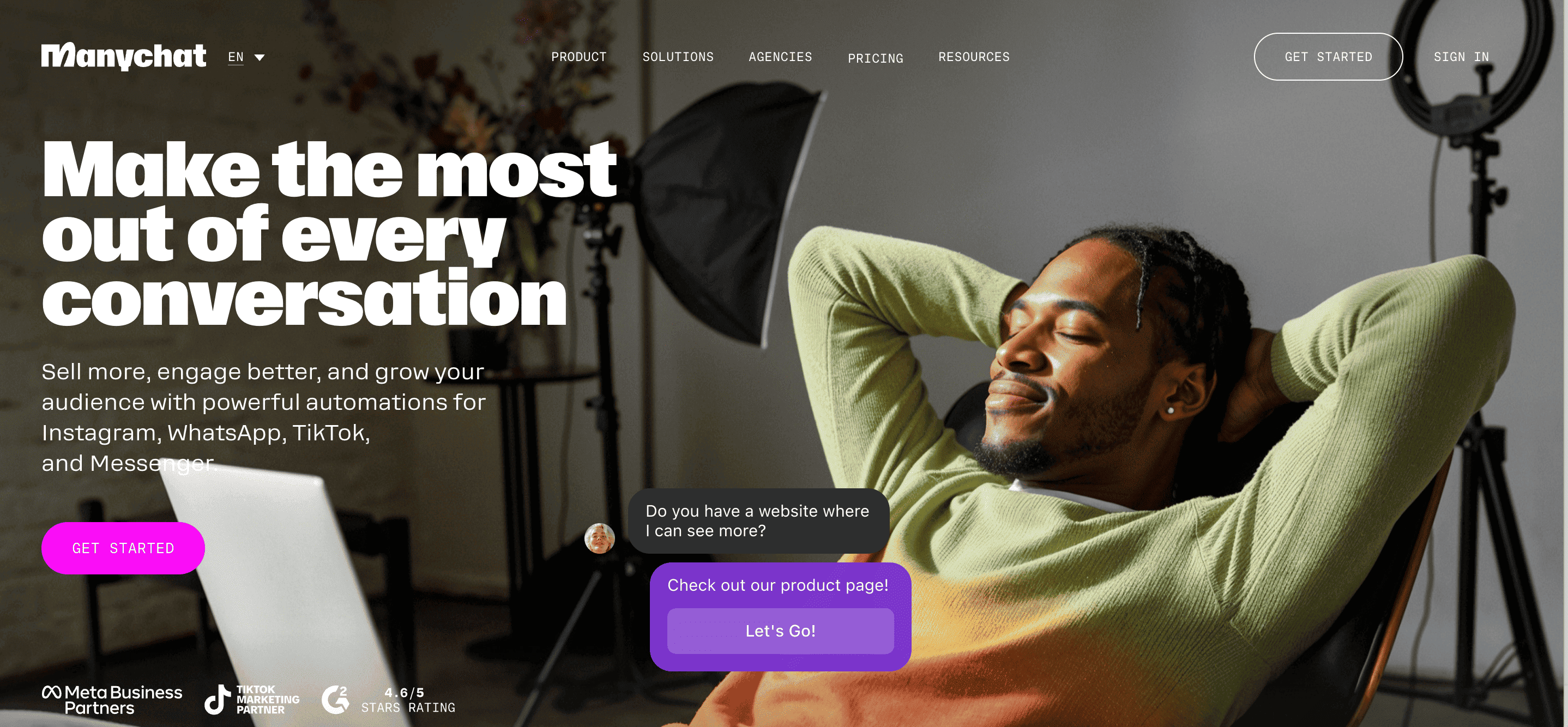
ManyChat is known for visual automation workflows, lead capture and conversational marketing. It is often used by marketers, creators and smaller businesses that want to automate initial customer interactions.
Pricing: ManyChat Pro starts from $15 per month and scales with the number of contacts. WhatsApp access and WhatsApp conversations can involve additional charges beyond the core subscription.
10. SleekFlow: Best for Conversational Commerce and Multichannel Engagement
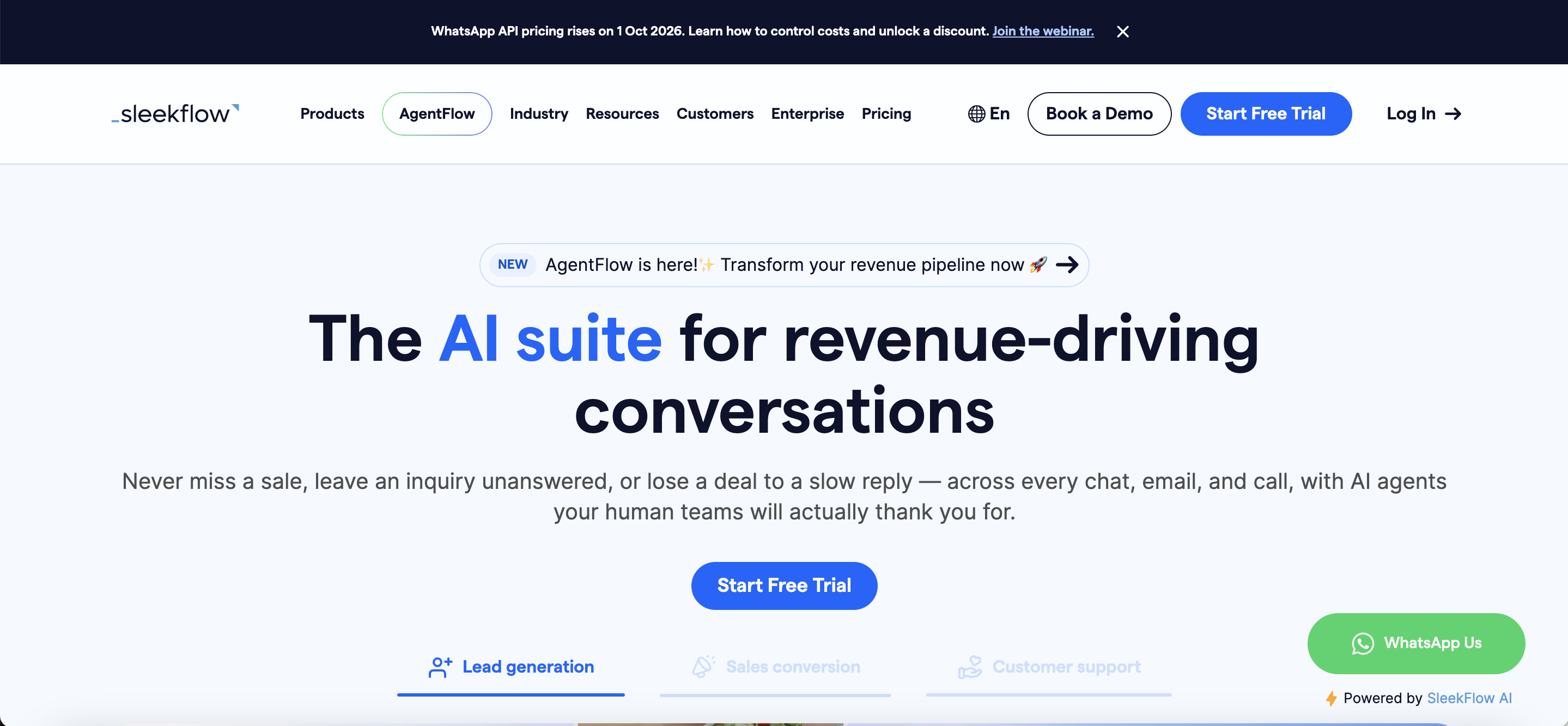
SleekFlow combines customer messaging, team collaboration, AI capabilities and multichannel engagement tools for sales and support teams.
Pricing: Public pricing starts from $79 per month, although pricing can vary by market, plan, monthly active contacts and implementation requirements. Businesses may also pay phone-hosting and Meta messaging fees.
Which WhatsApp Automation Software Should You Choose?
The best software depends on your business goal.
Your requirement | Recommended option |
|---|---|
Enterprise WhatsApp and omnichannel automation | Helo.ai |
WhatsApp campaigns and broadcasts | Helo.ai, AiSensy or WATI |
Shopify sales and cart recovery | Helo.ai, Interakt or Zoko |
Customer support and team inbox | Helo.ai, WATI, Respond.io or SleekFlow |
Custom API development | Helo.ai, Gupshup or Twilio |
Banking and financial-services workflows | Helo.ai |
Lead generation and qualification | Helo.ai, ManyChat or WATI |
India-focused WhatsApp marketing | Helo.ai, Interakt, AiSensy or WATI |
Multichannel communication | Helo.ai, Respond.io or SleekFlow |
Choose Helo.ai if:
- You need WhatsApp plus SMS, voice, email or RCS.
- You operate in a regulated industry.
- You need enterprise-grade integrations.
- You want automated and human-assisted support.
- You need complex customer journeys.
- You want one platform for campaigns and inbound conversations.
Choose a simpler tool if:
- You only need basic broadcasts.
- You have a small number of agents.
- You do not need CRM integration.
- You do not require advanced reporting or omnichannel communication.
Important Features to Look For
1. Official WhatsApp Business Platform access
Choose a provider that uses the official WhatsApp Business Platform. Be cautious with tools that automate WhatsApp Web through unofficial methods, because they may create security, reliability or account-compliance risks.
2. Shared team inbox
A shared inbox allows multiple agents to manage conversations from one business number. Look for:
- Agent assignment.
- Team and department routing.
- Internal notes.
- Conversation labels.
- Collision prevention.
- Supervisor visibility.
- Response-time tracking.
3. No-code workflow builder
A workflow builder should let you create automated journeys using triggers, conditions and actions.
Example:
- A customer submits a lead form.
- The platform sends a WhatsApp welcome message.
- The customer selects a product category.
- The system qualifies the lead.
- High-intent leads go to a sales agent.
- Low-intent leads enter a follow-up journey.
- The CRM records the conversation.
4. Chatbot and conversational AI
A chatbot should answer common questions, collect information and route complex cases to agents. AI should not replace human support in every situation.
Look for:
- Knowledge-base integration.
- Multilingual support.
- Context retention.
- Confidence thresholds.
- Human handoff.
- Conversation history.
- Agent takeover.
- Audit logs.
5. CRM and business integrations
Useful integrations include:
- Salesforce.
- HubSpot.
- Zoho CRM.
- Shopify.
- WooCommerce.
- Payment gateways.
- Helpdesk platforms.
- Calendars.
- ERP and order-management systems.
- Webhooks and REST APIs.
You can internally link to WhatsApp Zoho CRM integration, WhatsApp HubSpot integration and WhatsApp Salesforce integration.
6. Campaign and broadcast management
A quality campaign tool should support:
- Audience segmentation.
- Personalised variables.
- Approved message templates.
- Scheduling.
- Frequency controls.
- Delivery reports.
- Click and reply tracking.
- Opt-out management.
- Experimentation and campaign comparison.
7. Analytics
At minimum, measure:
- Messages sent and delivered.
- Read and response rates.
- Failed messages.
- Template quality.
- Cost per message.
- Lead-to-sale conversion.
- Agent response time.
- Automation resolution rate.
- Human handoff rate.
- Revenue influenced by WhatsApp.
For reporting guidance, see WhatsApp Business API analytics.
WhatsApp Automation Use Cases
Lead generation
Use Click-to-WhatsApp ads, website buttons, QR codes and forms to start customer conversations. A chatbot can ask qualifying questions and route high-intent leads to sales representatives.
Relevant internal resource: WhatsApp automation for lead generation.
Customer support
Automate responses to frequently asked questions about:
- Pricing.
- Availability.
- Orders.
- Returns.
- Delivery.
- Account access.
- Payments.
- Service requests.
The bot should offer a clear route to a live agent whenever it cannot resolve the issue.
E-commerce and abandoned-cart recovery
E-commerce brands can automate:
- Product recommendations.
- Cart reminders.
- COD confirmation.
- Payment links.
- Order confirmation.
- Shipping updates.
- Delivery notifications.
- Return and exchange requests.
- Reorder reminders.
See WhatsApp automation for e-commerce and abandoned-cart WhatsApp messages.
Appointment bookings
Businesses can allow customers to:
- Select a service.
- Choose an available date.
- Confirm a booking.
- Receive reminders.
- Reschedule or cancel.
- Speak to an employee.
This is useful for clinics, salons, education providers, financial consultations and service businesses. See WhatsApp appointment reminders.
Transactional notifications
Businesses can send messages about:
- Orders.
- Payments.
- Delivery.
- Account activity.
- Service requests.
- Verification.
- Appointments.
- Subscription renewals.
Transactional content must accurately reflect the customer’s action and should not be used to disguise promotional content.
WhatsApp Business Automation Pricing
WhatsApp automation cost normally includes two separate components:
- The software provider’s subscription or platform fee.
- Meta’s WhatsApp Business Platform message charges.
Other costs may include:
- Additional agent seats.
- Setup and onboarding.
- CRM integration.
- AI usage.
- Template management.
- Dedicated support.
- Development.
- Premium analytics.
- Payment or e-commerce integrations.
Meta’s current Business Platform pricing is based on delivered messages, and message categories include marketing, utility, authentication and service.business.whatsapp+1
Cost component | What it means |
|---|---|
Platform fee | Monthly or annual charge from the software provider |
Meta message fee | Charge based on message category, market and delivery |
Agent seats | Additional cost for more users or teams |
Integrations | Cost for CRM, Shopify, ERP or custom connections |
AI usage | Possible charge based on conversations, tokens or sessions |
Setup | Onboarding, configuration and workflow development |
Support | Premium implementation or account-management services |
Use this formula when comparing vendors:
Do not compare platforms using subscription price alone. A cheaper platform may become more expensive if it charges separately for users, automation runs, templates, AI usage or integrations.
For more detail, read WhatsApp Business API pricing in India and WhatsApp marketing message cost.
WhatsApp Automation Compliance
WhatsApp automation should be permission-based, relevant and easy for users to control.
Follow these practices:
- Collect clear customer opt-in before sending business-initiated messages.
- Explain what type of messages customers will receive.
- Use approved message templates when required.
- Categorise templates accurately.
- Provide an easy opt-out process.
- Do not purchase contact lists.
- Do not send repetitive or misleading promotions.
- Protect customer information.
- Keep records of consent where appropriate.
- Provide human support for complex or sensitive issues.
Marketing, utility and authentication conversations generally require template messages when a business initiates the conversation. Customer-service replies can be handled within the applicable service window, subject to current Meta rules.developers.facebook
Read the WhatsApp API compliance checklist, WhatsApp opt-in guide and WhatsApp template categories.
How to Set Up WhatsApp Business Automation
Step 1: Define your objective
Choose one priority workflow first, such as lead qualification, order updates, support automation or abandoned-cart recovery.
Step 2: Select the correct WhatsApp solution
Use the WhatsApp Business App for basic manual communication. Use the WhatsApp Business Platform for automation, integrations and scalable messaging.
Step 3: Choose a software provider
Evaluate providers on API access, workflow features, team inbox, integrations, analytics, security, support and total cost.
Step 4: Connect your business number
Follow the provider’s onboarding process to connect your business account and phone number. Check whether the platform supports coexistence if you need to continue using the WhatsApp Business App.
Read WhatsApp coexistence for more information.
Step 5: Create customer journeys
Build one workflow using a clear trigger, customer action, business response and fallback path.
Step 6: Create and submit templates
Templates may be required for business-initiated messages. Ensure the copy matches the selected category and does not contain misleading promotional language.
Step 7: Integrate your systems
Connect your CRM, store, helpdesk, payment gateway or calendar so that automation is based on real customer data.
Step 8: Add human handoff
Define when a conversation should move from the bot to a human agent. Escalate complaints, sensitive account issues, unclear questions and high-value opportunities.
Step 9: Test before launch
Test:
- Successful conversations.
- Invalid inputs.
- Unavailable products.
- Failed payments.
- Duplicate messages.
- Opt-out requests.
- Agent handoff.
- Delivery failures.
- Multilingual responses.
Step 10: Monitor performance
Review delivery, response, conversion, resolution, cost, quality and customer feedback every week.
How to Measure WhatsApp Automation ROI
Track business outcomes instead of vanity metrics.
Core metrics
- Delivery rate: Percentage of messages successfully delivered.
- Read rate: Percentage of delivered messages opened.
- Response rate: Percentage of recipients who reply.
- Conversion rate: Percentage of conversations that achieve the intended outcome.
- Automation resolution rate: Percentage resolved without human assistance.
- Handoff rate: Percentage sent to an agent.
- Cost per resolved conversation: Total cost divided by resolved conversations.
- Revenue per conversation: Attributed revenue divided by meaningful conversations.
- Customer-response time: Time between customer message and business reply.
- Opt-out rate: Percentage of users who unsubscribe or block the business.
A useful ROI model is:

For a support workflow, cost savings may come from fewer manual tickets. For e-commerce, incremental revenue may come from recovered carts, repeat orders or improved COD confirmation.
Frequently Asked Questions
What is the best WhatsApp Business automation software?
Helo.ai is a strong choice for enterprises and growing businesses that need WhatsApp automation, conversational engagement, integrations and omnichannel communication. Smaller businesses with limited requirements may prefer a simpler WhatsApp-focused platform.
Can WhatsApp Business be automated?
Yes. Basic automation is available in the WhatsApp Business App through greeting messages, away messages and quick replies. More advanced automation—such as chatbots, CRM workflows, team routing and transactional notifications—usually requires the WhatsApp Business Platform and a software provider.
What is the difference between WhatsApp automation software and WhatsApp Business API?
The WhatsApp Business API is the underlying communication interface. WhatsApp automation software adds a user interface, workflow builder, inbox, chatbot, campaign manager, integrations and analytics on top of that API.
Is WhatsApp automation legal?
WhatsApp automation is generally permitted when businesses follow Meta’s rules, obtain appropriate opt-in, use approved templates where required and provide relevant communications. Unsolicited bulk messaging, misleading content and abusive automation can lead to restrictions or account problems.
How much does WhatsApp Business automation cost?
The total cost depends on the software subscription, Meta message charges, message category, recipient market, team seats, integrations, AI usage and setup. Ask every provider for a complete cost estimate rather than comparing subscription fees only.
What is the best WhatsApp automation software for e-commerce?
The best option depends on your store platform and workflow requirements. Helo.ai, Interakt and Zoko are suitable options to evaluate for product communication, cart recovery, order updates and post-purchase engagement.
Can WhatsApp automation software integrate with a CRM?
Yes. Many platforms integrate with CRM systems such as Salesforce, HubSpot and Zoho. Integrations can synchronise contacts, lead status, conversation history, tasks and customer events.
Can a WhatsApp chatbot transfer a conversation to a human?
Yes. A well-designed chatbot should transfer the conversation when the customer requests an agent, the question is outside the bot’s knowledge, the customer is dissatisfied or the issue involves sensitive information.
Can I send bulk WhatsApp messages?
You can send business-initiated campaigns through an approved WhatsApp Business Platform setup, provided you follow opt-in, template and messaging policies. Avoid unofficial bulk-sending tools that bypass the official platform.
Which WhatsApp automation tool is best for large enterprises?
Large enterprises should prioritise API reliability, security, integrations, routing, analytics, compliance, implementation support and omnichannel capabilities. Helo.ai is designed for businesses that need enterprise customer engagement across WhatsApp and other channels.


.jpeg&w=96&q=75)