

Most businesses start looking at WhatsApp Business auto reply after the same thing keeps happening over and over. A customer messages after hours. A lead asks for pricing while the sales team is busy. Support queries pile up during working hours. Nobody replies fast enough, and the conversation quietly dies before anyone even notices.
Then businesses turn auto replies on and make a different mistake. Generic away messages. Robotic responses. “Thank you for contacting us” copy pasted into every chat like customers cannot immediately tell it is automated.
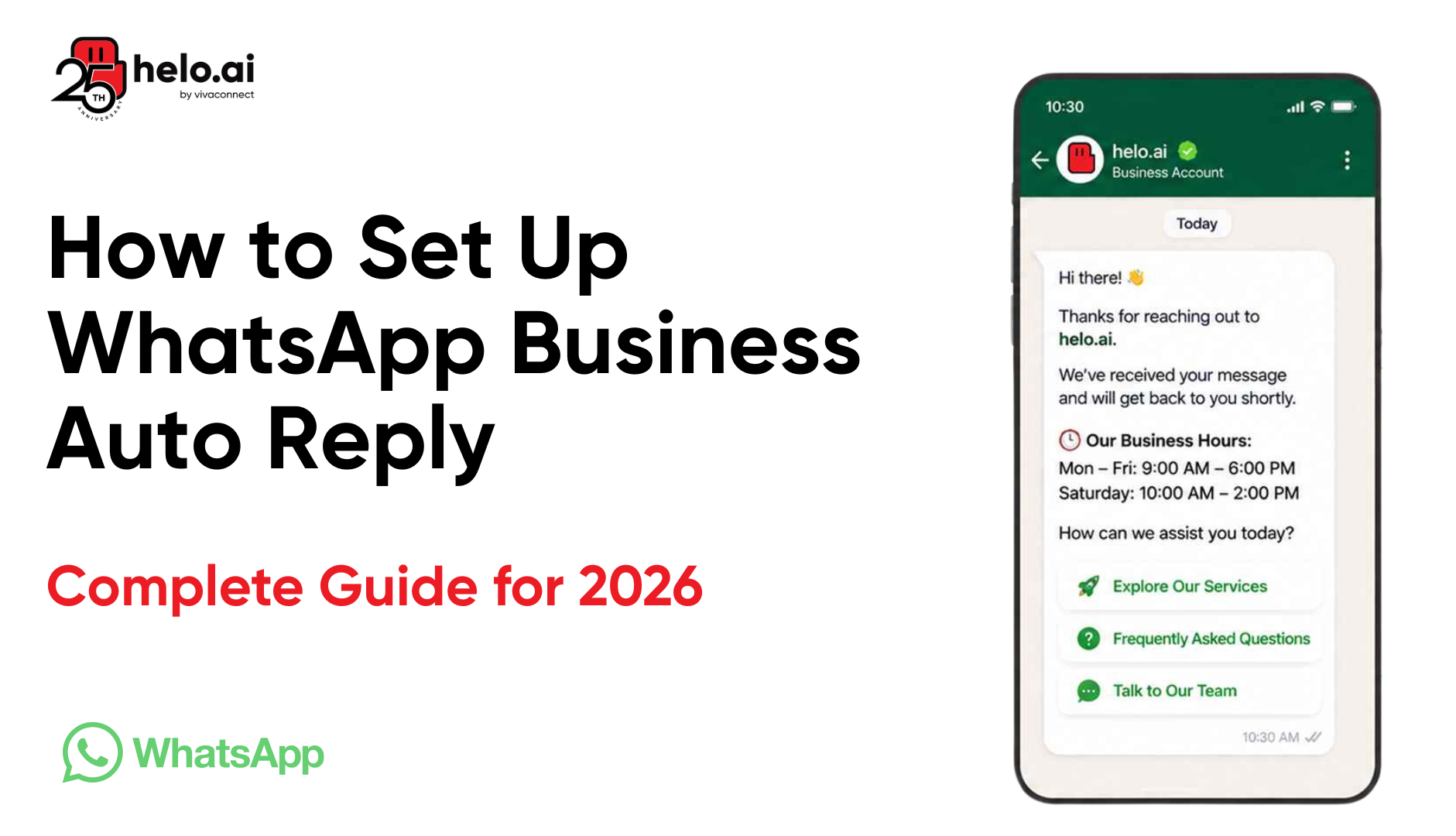
A good WhatsApp Business auto reply does not just acknowledge the message. It keeps the conversation moving. It tells the customer what happens next, whether the business is available right now, and how long a reply will actually take.
What Is a WhatsApp Business Auto Reply?
A WhatsApp Business auto reply is exactly what it sounds like. An automatic response sent when a customer messages the business on WhatsApp.
Usually, this starts with simple things. A greeting message when someone messages for the first time. An away message after business hours. A quick acknowledgement that the team received the query and will respond shortly.
But the real reason businesses use WhatsApp Business auto reply messages is response time. Customers messaging on WhatsApp expect the conversation to move quickly. Even a basic automated reply buys the business time while still keeping the customer engaged.
A weak WhatsApp Business auto reply message feels robotic immediately. Generic copy. No context. No direction. Just “Thank you for contacting us” sitting inside every conversation like customers cannot immediately tell it is automated.
A good WhatsApp automated response does something more useful. It tells the customer whether the business is available right now, how long replies usually take, and what happens next. Sometimes it even guides the conversation forward instead of just acknowledging the message.
That is the real difference between a basic automatic message on WhatsApp and proper WhatsApp business automation. One sends a reply. The other keeps the conversation moving.
Why Businesses Use WhatsApp Auto Reply Messages
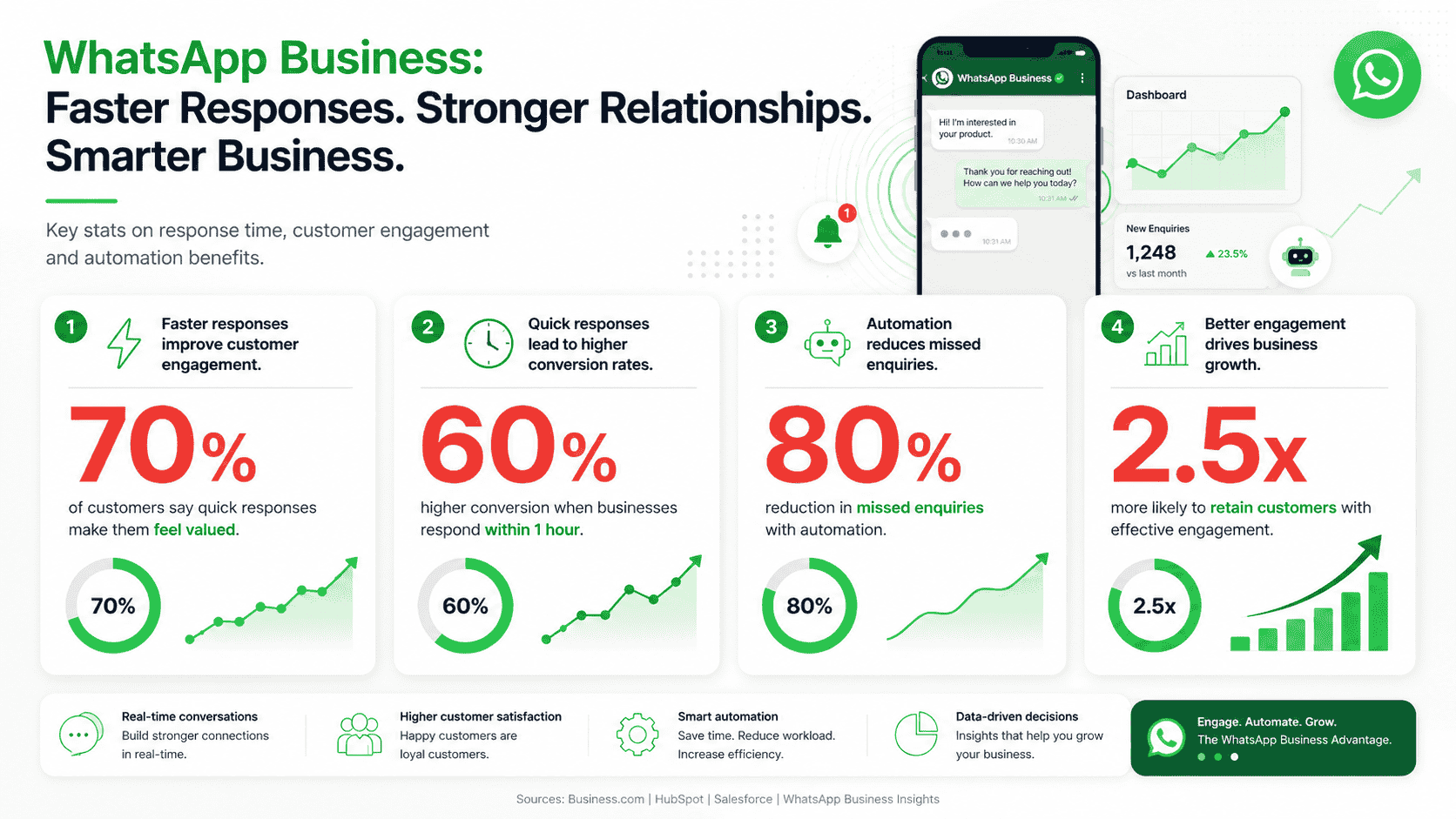
Most businesses do not set up WhatsApp Business auto reply messages because they are trying to “automate customer communication.” They do it because conversations start moving faster than the team can keep up with.
A lead message after working hours. Support queries pile up during peak traffic. Someone asks for pricing, gets no reply for three hours, and buys from the business that responded first instead.
The operational reason is pretty straightforward. Once conversation volume increases, businesses simply cannot reply to every customer instantly anymore. Not across support, sales, onboarding, delivery updates, appointment booking, payment reminders, and everything else hitting WhatsApp at the same time.
And delays feel worse on WhatsApp because the platform is conversational by nature. Customers are not opening WhatsApp expecting ticketing-system response times. They expect replies that feel immediate.
That is where WhatsApp Business auto reply messages start becoming necessary instead of optional. Even a basic WhatsApp automated response keeps the conversation alive while the actual team catches up.
For some businesses, this is just a greeting message or away message. For others, it becomes full WhatsApp business automation handling lead qualification, customer support, FAQs, routing conversations, and instant replies automatically.
The businesses doing this well are usually not trying to sound “automated.” They are trying to reduce silence inside the conversation.
What You Need Before You Start
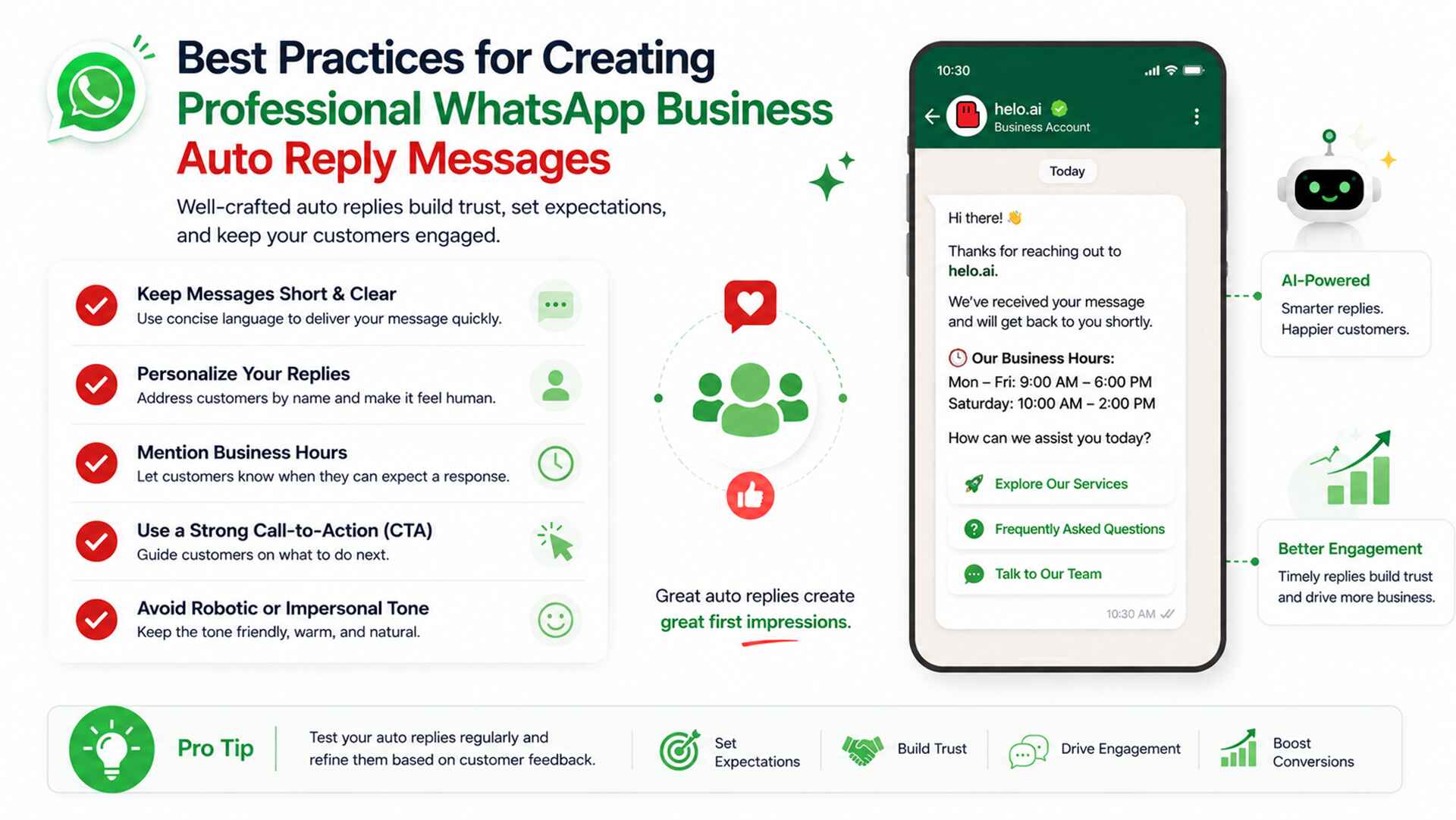
Most issues with business Whatsapp auto reply don’t show up during setup. They show up because the basics weren’t clear in the first place.
Inside WhatsApp Business, the feature is simple. But what you build around it decides whether it actually works.
Before anything else, a few things need to be in place:
A working WhatsApp Business account and verified profile. Without that, even basic automation feels inconsistent.
Then clarity on what you’re actually setting up:
● a Whatsapp auto reply message for instant replies
● a Whatsapp business greeting message for first contact
● a Whatsapp business away message for after-hours
● Whatsapp business quick replies for repeated queries
Most setups fail because this part is rushed. Teams enable everything at once without knowing what each message is supposed to do.
It also helps to decide early whether this stays basic or moves toward Whatsapp business automation. That line matters later when scaling starts.
At minimum, there should be one clear use case, support, sales, or updates. Without that, auto replies exist, but don’t really function as a system.
Types of WhatsApp Business Auto Replies
Most businesses don’t use just one kind of Whatsapp business auto reply message. They end up using a mix, depending on when the customer messages and what stage the conversation is at.
Inside WhatsApp Business, these are not separate “advanced features.” They’re just different ways of handling the first layer of response.
Greeting Messages
A Whatsapp greeting message is what a customer sees the first time they message or after a gap. Most businesses overthink this and make it sound promotional. In reality, the best Whatsapp business greeting examples are short, direct, and just set expectation.
Away Messages
A Whatsapp business away message kicks in when no one is available. This is usually where things go wrong — either too robotic or too vague. A proper Whatsapp auto response just tells the customer when to expect a reply.
Quick Replies
Whatsapp business quick replies are saved responses for repeated questions. Not automation in the strict sense, but they reduce repetitive typing and keep replies consistent.
Automated Flows
This is where Whatsapp chatbot auto reply starts coming in. Instead of one fixed message, the conversation moves through steps. At this point, it becomes closer to Whatsapp business automation than simple replies.
Most setups fail when these are treated as isolated features instead of one system.
How to Set Up Auto Reply in WhatsApp Business
Inside WhatsApp Business, everything sits under Business Tools. That’s where Whatsapp business auto reply gets configured nothing complex, just a few settings that shape the first response.
Step 1: Open Business Tools
● Go to settings
● Open Business Tools
● Find auto reply options
Step 2: Greeting Message (Whatsapp greeting message)
● Turn it on
● Set trigger (first message / inactivity)
● Keep it short, not promotional
● Just acknowledge + guide
Step 3: Away Message (Whatsapp business away message)
● Set working hours
● Add response when unavailable
● Mention expected reply time
● Keeps Whatsapp auto response consistent
Step 4: Quick Replies (Whatsapp business quick replies)
● Save repeated answers
● Use shortcuts for FAQs, pricing, support
● Reduces repetitive typing
● Basic Whatsapp support automation use
Reality check
● Setup takes minutes
● Consistency is the real challenge
● Most systems fail after going live, not during setup
Platforms like helo.ai help auto replies evolve into complete conversation handling systems rather than just static responses.
Common Mistakes to Avoid
Generic replies that stop at acknowledgement
A basic WhatsApp auto reply message like “we will get back to you shortly” does technically acknowledge the user, but it doesn’t move the conversation forward or set any real expectation. It just fills silence.
Inconsistent tone between greeting and away messages
The WhatsApp business greeting message might sound structured, but the WhatsApp business away message often feels like an afterthought. That break in tone makes the system feel disconnected rather than designed.
No clear human handoff after automation
There is a tendency to remove human access entirely once WhatsApp auto response or automated WhatsApp messages are switched on. That creates a system where everything is automated, but nothing escalates cleanly when the query actually needs a person.
Using automation as promotion instead of support
Some businesses drift into treating auto replies as a marketing layer instead of a communication layer. That’s where WhatsApp auto message for customers starts sounding promotional, which doesn’t fit early or support-driven conversations.
One static message across all contexts
The same auto reply on WhatsApp business gets used across first messages, follow-ups, and after-hours situations, without adjusting for context. That flattens the entire experience and makes it feel mechanical.
The issue isn’t automation itself. It’s the lack of structure around how it’s applied.
FAQ
How do I set auto reply in WhatsApp Business?
Inside WhatsApp Business, go to Business Tools and switch on Whatsapp business auto reply. From there you can set greeting messages and away messages based on when customers message you.
Can WhatsApp send automatic messages?
Yes. WhatsApp can send automatic message Whatsapp responses through built-in auto reply features like greeting messages, away messages, and instant replies.
What is the best auto reply message for WhatsApp Business?
The best WhatsApp auto reply message is short, clear, and expectation-driven. It should acknowledge the message immediately and tell the customer when they can expect a response. Overly promotional or long messages usually reduce trust instead of improving engagement.
How do I create an automated response on WhatsApp?
You can create a Whatsapp automated response directly in WhatsApp Business using Business
Tools. For more advanced use cases like flows or lead handling, businesses move to Whatsapp business automation tools or API-based setups.
Is WhatsApp auto reply free?
Yes, basic auto reply features inside WhatsApp Business are free to use.
Can I automate WhatsApp Business messages?
Yes. Basic automation like greetings and away messages is built in. For larger scale automation like routing, CRM sync, or Whatsapp customer service automation, you need external tools or API integration.
What is the difference between greeting and away message?
A Whatsapp greeting message is sent when a customer messages for the first time or after a gap. A Whatsapp business away message is sent when you are unavailable or outside working hours.
Can WhatsApp Business send auto reply to every customer?
Yes, but only within the rules you set. You can choose when it triggers, what message is sent, and under what conditions the Whatsapp auto response should appear.
How do I set away messages in WhatsApp Business?
Go to Business Tools in WhatsApp Business and enable Whatsapp business away message. Set your working hours and write a message that tells customers when they can expect a reply.
Can I use WhatsApp auto reply without WhatsApp Business?
No. auto responder Whatsapp business features are only available on the WhatsApp Business app or through API-based automation tools.