
.jpeg)
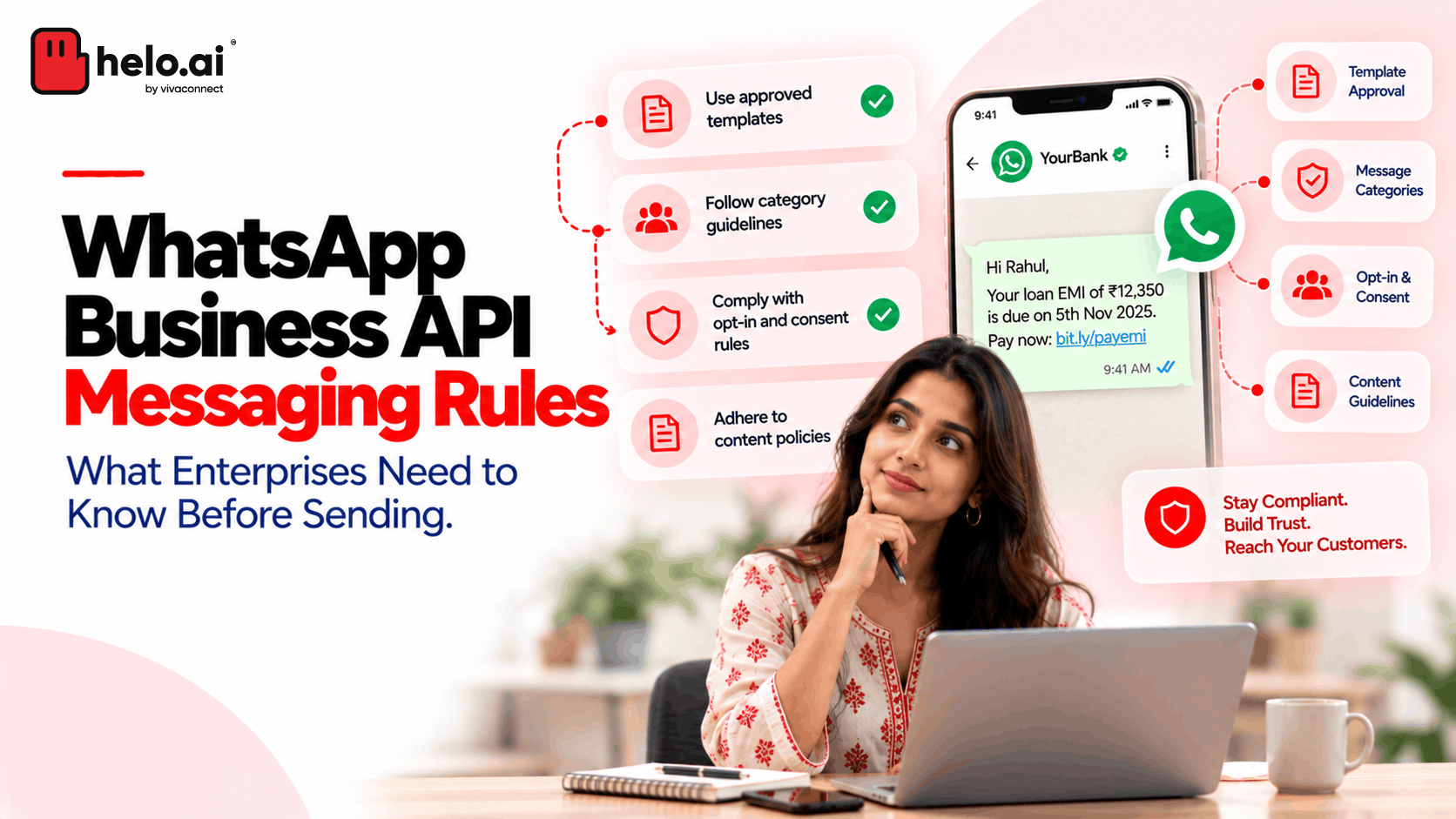


The 9 WhatsApp Business API messaging rules
1. Get opt-in first
A phone number isn't permission. You need both the number and the customer's opt-in. Source
- Collect opt-in separately for each message type, e.g. order updates vs offers
- Honour opt-outs, including requests made outside WhatsApp
- Keep consent records: date, source and wording shown
💡 Checkout opt-in for delivery updates doesn't cover sale messages. Ask for that separately. → WhatsApp opt-in guide
2. Respect the 24-hour window
Customer messages you → you can reply freely for 24 hours. Each new message from them resets the timer. After that, you can only send templates. Source
- Inside the window: text, media and interactive replies
- Outside the window: approved templates only
- Since Oct 1, 2026: 1,000 free service replies per number each month, then each one is charged
→ WhatsApp API pricing explained
3. Use the right message category
Category | For | Example |
|---|---|---|
Utility | Order, payment or account updates | "Payment for order #4821 received." |
Marketing | Offers and promotions | "20% off ends Sunday." |
Authentication | One-time passcodes | "Your code is 567890." |
⚠️ Don't mix them. If you add an offer to a utility message, Meta can reclassify it as marketing, which costs more. → WhatsApp template categories
4. Get templates approved before launch
You can only start a conversation with an approved template. Meta can reject or pause templates at any time. Source
- Make sure the purpose is clear and matches the category
- Provide sample values for each variable, e.g.
Hi {{1}}, order {{2}} has shipped. - Leave time for possible rejections before big campaigns
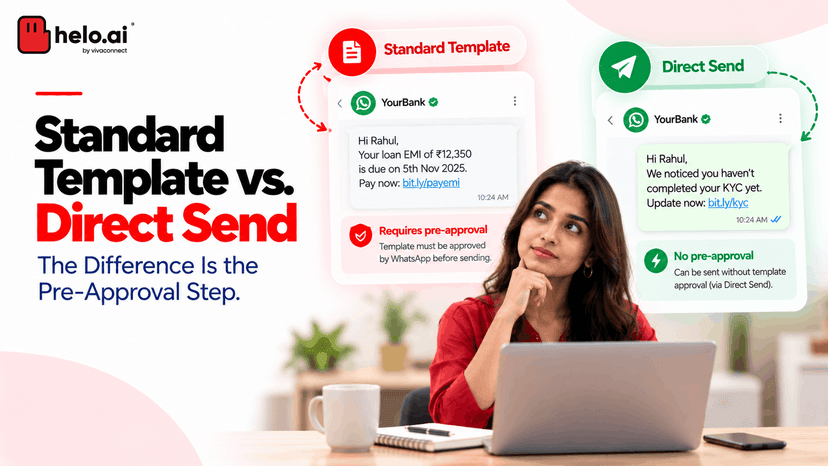
💡 Direct Send may let eligible businesses send some utility messages without pre-approval. Confirm access with your provider first. → Why WhatsApp templates get rejected
5. Know your messaging limits
Limits cap how many unique users you can send templates to in 24 hours. They're shared across your whole business portfolio, so adding numbers doesn't add capacity. Source
250 → 2,000 → 10,000 → 100,000 → Unlimited
- To reach 2,000: verify your business, or send 2,000 high-quality template messages
- After that: your limit rises automatically while quality stays high
6. Protect your quality rating
Delivered doesn't mean welcome. Blocks and reports can get your templates paused and your limits cut. Source
- Track each week: quality rating, block rate, opt-outs
- Only send what customers signed up for
- Fewer, better-targeted messages beat volume
→ WhatsApp quality rating explained
7. Bots need a path to a human, and general-purpose AI bots are banned
- Required: a clear route to a human agent, phone, email or web support whenever you automate. Source
- Banned since Jan 15, 2026: general-purpose AI assistants. Source
- Allowed: business bots for support, bookings, order tracking and FAQs
8. Never collect sensitive data in chat
Don't ask for full card numbers, bank account numbers or ID numbers. Don't share one customer's chat with another. Source
💡 Banks: send an alert, then link customers to the secure app for next steps. In India, also align with the DPDP Act and your sector regulator. → WhatsApp API compliance guide
9. Check your industry is allowed
Meta bans some industries, including payday loans, debt collection, MLM and dating, and political campaigns. Alcohol, gambling and some healthcare products are allowed only in certain countries, with licences and age-gating. Source → WhatsApp API for fintech
Hitting limits or template rejections? See how Helo.ai helps enterprises scale on WhatsApp →
What changed in 2026?
Date | Change |
|---|---|
Jan 15 | General-purpose AI chatbots banned |
Jul 1 | New "Meta Business Agent" AI message category |
Oct 1 | Service replies charged after 1,000 free per number each month. Utility templates charged inside the 24-hour window. |
.jpeg&w=640&q=75)
.jpeg&w=96&q=75)
.png&w=828&q=75)