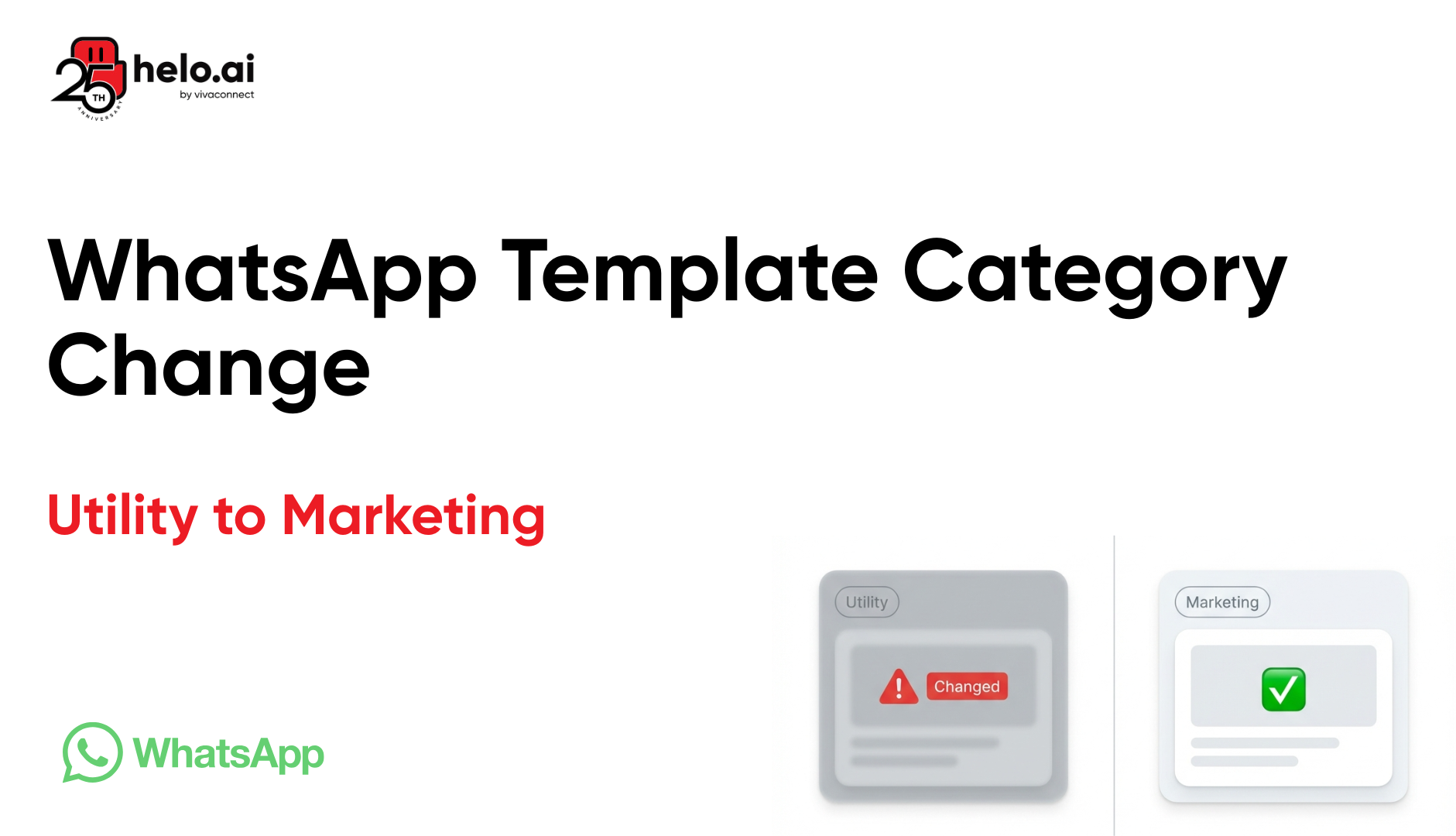


Lost money because Meta automatically changed your utility template message to marketing template? This is happening to teams across industries, and it costs more than you think. Here's why Meta reclassifies templates, how to prevent it, and what to do if it already happened.
Why WhatsApp Template Category Changed Without Warning
If your WhatsApp utility template changed to marketing automatically, you're not alone.
Since April 9, 2025, Meta rolled out stricter enforcement on WhatsApp Business API template categorisation. Templates approved as utility are now being reclassified to marketing during or after approval. In most cases, this happens because the message contains promotional language, transaction triggers, or calls to action that Meta considers marketing content.
The impact is immediate. Marketing templates cost 2 to 3 times more than utility templates in most regions. If you're sending thousands of messages daily, this change can double your messaging costs overnight.
What Changed in WhatsApp Template Policy
Meta made two major changes in 2025 that affect how templates are classified and priced:
1. Stricter Utility Template Rules (April 9, 2025)
Meta now actively scans template content for promotional intent. Even subtle marketing language like "exclusive offer" or "limited time" triggers automatic reclassification. The system also flags templates that include upsells, cross-sells, or generic greetings without transaction context.
2. New Pricing Model (January, 2026)
WhatsApp API pricing is more transparent than before. It's now per-message model which makes forecasting easier. The key is understanding which message categories you use most and choosing a BSP that doesn't inflate your costs.
👉 Recommended Read: WhatsApp Pricing Update (2026) |
Why Your Utility Template Changed to Marketing
Meta uses automated scanning to classify templates. The algorithm looks for specific patterns that indicate marketing intent.
Common Triggers for WhatsApp Message Template Reclassification:
- Promotional keywords: "offer", "discount", "sale", "exclusive", "limited time", "deal", "promotion"
- Action-oriented CTAs: "shop now", "buy now", "learn more", "explore", "discover", "check out"
- Generic greetings: Messages that start with "Hi {{name}}, hope you're doing well" without transaction context
- Missing transaction reference: No order ID, booking number, or payment reference
- Warm or excited tone: "We're excited to share", "You'll love this", "Great news"
- Buttons linking to promotions: Any button that redirects to product pages, offers, or promotional content
If your template includes any combination of these elements, Meta will reclassify it as marketing even if the core purpose is transactional.
Real Example: Utility vs Marketing Template
Template Flagged as Marketing:
"Hi {{name}}, your order #{{order_id}} has been shipped! Track it here: {{link}}. While you wait, check out our exclusive offers."
Why it was flagged: The phrase "exclusive offers" triggers promotional intent. Even though the primary message is transactional, the upsell element changes the classification.
Template Approved as Utility:
"Order #{{order_id}} shipped. Expected delivery: {{date}}. Track here: {{link}}"
Why it passed: Factual, neutral, directly tied to a user action. No promotional language or upselling.
How Much Does This Cost You?
The pricing difference between utility and marketing templates depends on your region and message volume.
Region | Utility | Marketing (Per Message) |
India | $0.0014 | $0.0118 |
North America | $0.0034 | $0.025 |
United Kingdom | $0.022 | $0.0529 |
If you send 10,000 messages per day in India and your template gets reclassified, you go from $14 to $118 per day. That's $3,540 per month.
These pricing changes are part of broader updates explained in our WhatsApp pricing update (July 2025) breakdown.
How to Fix a WhatsApp Template Category Issue
If your utility template was changed to a marketing template, you have two options: appeal the decision or rewrite the template.
Option 1: Request a Review from Meta
Meta allows you to appeal template category changes within 60 days of approval or reclassification.
Steps to request review:
- Go to Meta Business Manager, then Business Support Home
- Click "Review category updates" under WhatsApp templates
- Select the affected template and click "Request Review"
- Provide a brief explanation of why the template should be utility
- Wait 1 to 3 business days for Meta's response
What to include in your explanation: Keep it short. Explain that the message is tied to a specific user action (order, payment, booking). Mention the transaction reference in the template. Avoid defending promotional language. If there's an upsell or CTA, acknowledge it and explain that you'll remove it.
Approval is not guaranteed. If Meta denies the appeal, you need to rewrite the template.
Option 2: Rewrite the Template
Rewriting the template is often faster and more reliable than appealing.
Rules for utility templates:
- Remove all promotional keywords (offer, discount, exclusive, limited time)
- Avoid warm or enthusiastic language
- Include a transaction reference (order ID, payment ID, booking number)
- Use neutral, factual tone
- Remove upsell or cross-sell suggestions
- Ensure buttons link to order tracking or account info, not product pages
Submit the new template and wait for approval. In most cases, clean templates get approved within 24 hours.
.png)
How to Prevent WhatsApp Template Category Changes
Preventing reclassification is simpler than fixing it. Follow these practices when creating templates.
1. Design templates with clear intent
Separate transactional and promotional messaging. If you want to include a promotion, use a marketing template from the start. Avoid inserting marketing content into utility templates.
2. Use cold, neutral language
Write like you're sending a system notification, not a marketing email. Think: "Order shipped" instead of "Your order is on its way!"
3. Test templates in the sandbox before submission
Use the WhatsApp Business API sandbox to test template content. Share drafts with compliance or legal teams before submitting for approval.
4. Submit templates 24 hours before launch
If a template gets reclassified after approval, you have time to appeal or rewrite before it goes live.
5. Monitor template status regularly
Check the Meta Business Manager weekly for any category updates. Set up email alerts for template approvals and rejections.
Understanding Utility vs Marketing Templates
Meta defines three template categories: utility, marketing, and authentication. Each has specific use cases and pricing.
Utility Templates
Used for transactional updates tied to a user action. Examples include order confirmations, shipping updates, payment receipts, booking confirmations, and account alerts. These templates are free within the 24-hour customer service window.
Marketing Templates
Used for promotions, offers, product launches, newsletters, and re-engagement campaigns. These templates are charged per message with no free window.
Authentication Templates
Used for OTPs and login verification. These are always free and have the highest delivery priority.
If your message serves multiple purposes, Meta will classify it based on the dominant intent. A message that includes both an order update and a discount code will be classified as marketing.
What Happens After Your Template is Reclassified
When Meta changes your template from utility to marketing, the change is immediate. Any messages sent using that template will be charged at marketing rates.
You will receive an email notification from the Meta Business Manager. The notification includes the template name, the old category, the new category, and the date of change.
If you don't notice the change and continue using the template, your messaging costs will increase without warning. In real enterprise setups, this can result in tens of thousands of dollars in unexpected charges before teams realise what happened.
You can still use the template. It will function normally, but will be billed as marketing. If you want to restore it to utility status, you need to appeal or create a new template.
Common Mistakes That Trigger Reclassification
Most teams make the same mistakes when writing utility templates. Here are the patterns that consistently trigger reclassification.
Mistake 1: Mixing transaction updates with promotions
Adding a line like "Check out our new arrivals" at the end of an order confirmation will get the entire template flagged as marketing.
Mistake 2: Using enthusiastic language
Phrases like "We're thrilled to confirm" or "You're going to love this" add unnecessary emotion. Utility templates should be neutral.
Mistake 3: Generic greetings without context
Starting with "Hi {{name}}, hope you're having a great day" makes the message feel promotional even if the rest is transactional.
Mistake 4: Buttons that link to product pages
If a button says "View Order" but the link redirects to a category page or homepage, Meta will flag it. Buttons in utility templates should only link to order details, tracking, or account settings.
Mistake 5: Including discount codes or referral links
Even if the primary message is transactional, adding "Use code SAVE10 on your next order" will trigger reclassification.
Meta actively scans template content for intent. Learn how to structure them in our guide on WhatsApp message templates
Managing WhatsApp Templates at Scale with Helo.ai
At scale, managing template compliance manually becomes unsustainable. Teams end up with dozens of templates spread across different campaigns, each with different approval statuses and category classifications.
With Helo.ai, teams can:
- Centralise template management, monitor category changes, and optimise messaging costs.
- Instead of manually checking Meta Business Manager for updates, you can set up automated alerts when templates get reclassified.
- You can also run compliance checks before submitting templates to reduce rejection rates.
- You can also write message template content for different template categories with our AI studio.
For high-volume senders, this matters. If you're sending 100,000 messages per day and just one template gets reclassified from utility to marketing, you're looking at thousands of dollars in additional costs every month. Catching these changes early makes the difference between controlled spending and budget overruns.
Optimise your messaging cost with Helo Broadcast 2.0 powered by advanced AI features.
Final Thoughts
WhatsApp template category changes are not rare edge cases. They happen regularly, especially after policy updates. If your utility template changed to marketing, the first step is to understand why it happened. Check the content for promotional language, remove upsells, and ensure the message is tied to a specific user action.
You can appeal the decision within 60 days, but rewriting the template is often faster and more effective. Either way, the goal is the same: keep templates clean, transactional, and compliant with Meta's rules.
If this is something your team is already dealing with, the next step becomes obvious.


.png&w=828&q=75)