
.jpeg)
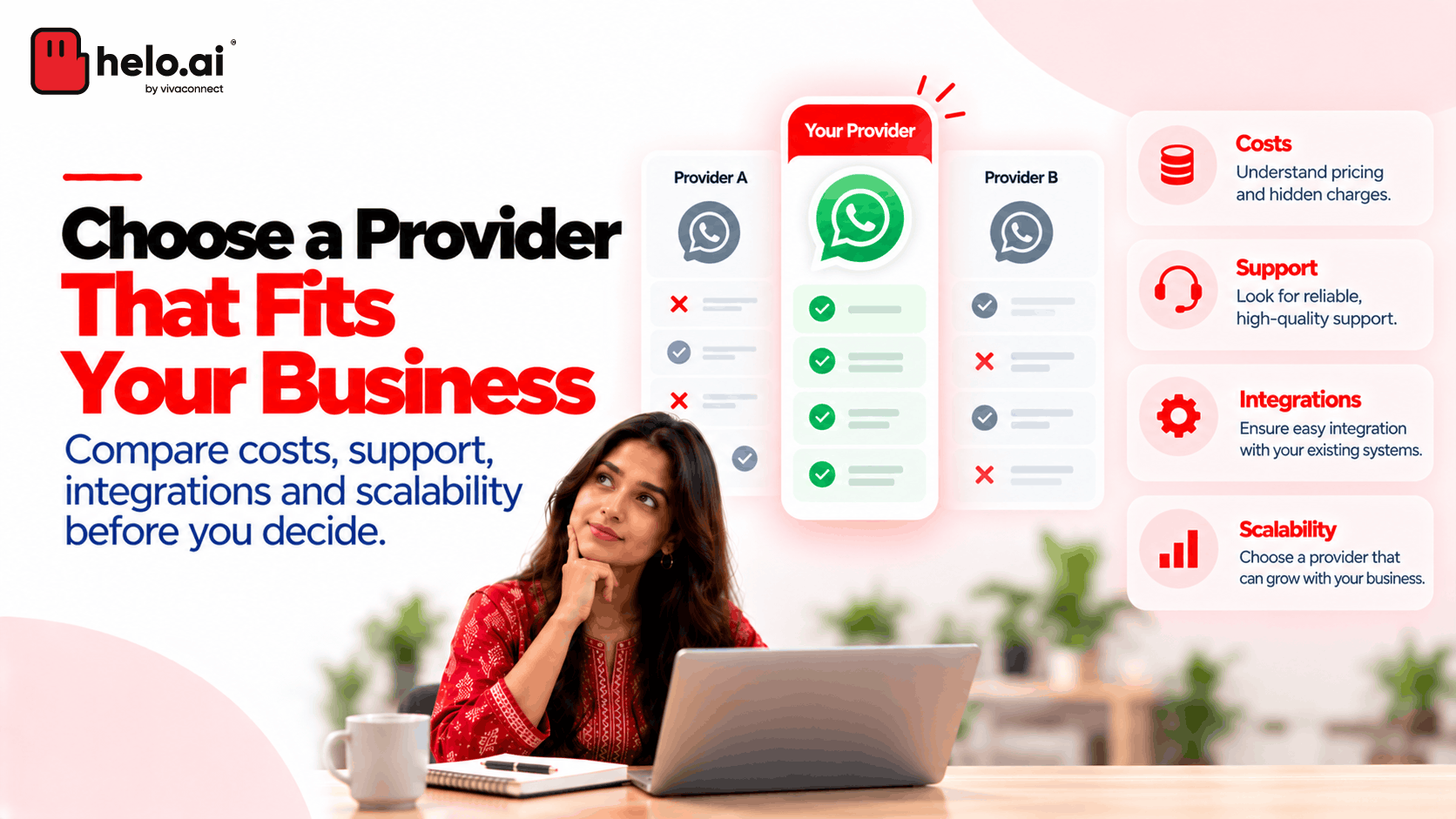


A good demo isn't enough. Here are 8 things to check before choosing a WhatsApp Business API provider, from integrations and pricing to support and account ownership.
A WhatsApp Business API demo can look impressive. Messages go out, a chatbot answers questions, and a dashboard shows conversations coming in.
But the real test starts after implementation.
Can your support team handle a sudden increase in enquiries? Can WhatsApp connect to your CRM? If a campaign runs into trouble, who helps you resolve it? And what happens if you decide to change providers later?
These are the questions worth asking before choosing a WhatsApp Business API provider. The right choice depends less on the demo and more on how well the platform fits your day-to-day operations.
Quick checklist: what to ask a WhatsApp Business API provider
What to check | The question to ask |
|---|---|
1. Your use case | Can you show us our workflow, not a general demo? |
2. Meta partner status | Are you a Meta Business Partner, and how will Meta's charges be billed? |
3. Integrations | Does the integration we need already exist, and who maintains it? |
4. Total cost | What will we pay in total for our volumes and use cases? |
5. Security and compliance | Where is our data stored, who can access it, and how do you support DPDP Act compliance? |
6. Support | Who do we contact when something breaks, and how fast will they respond? |
7. Growth and scale | Can the platform handle our future use cases and peak volumes? |
8. Account ownership | Who owns our WhatsApp Business Account, and what happens if we leave? |
Compare the Best WhatsApp API Providers
8 things to check when choosing a WhatsApp Business API provider
1. Start with your actual use case
Before comparing providers, be clear about what you need WhatsApp to do.
A retailer might want to recover abandoned carts and send order updates. A bank might need customer notifications and service-request updates. A customer support team might need a shared inbox where several agents can manage conversations.
Each use case calls for different capabilities.
Make a shortlist of your must-haves before booking demos. That way, you can ask providers to show you how they would handle your workflows instead of sitting through a general product presentation.
2. Confirm how the provider works with Meta
Not every provider has the same relationship with Meta, and it affects how you're billed and supported.
According to Meta's solution provider documentation, Solution Partners can offer a credit line and invoice you for WhatsApp usage. Tech Providers usually ask you to add your own payment method, and Meta bills you directly for messaging.
Ask which model applies, and check whether the provider is an official Meta Business Partner.
3. Check whether it connects to your existing systems
WhatsApp conversations often depend on information stored elsewhere.
A customer asking about a delivery needs an order update. A sales representative following up on a lead may need the customer's CRM history. A support agent may need to see an earlier interaction before replying.
Ask how the provider connects WhatsApp to your CRM, helpdesk, order management system or other internal tools.
Don't stop at asking whether integrations are available. Find out whether the integration you need already exists, requires custom development, and who will maintain it.
4. Understand what you'll actually pay
Two providers can offer similar features but have very different pricing structures.
Your costs may include Meta's messaging charges, the provider's subscription or platform fees, implementation, integrations and optional features. The exact breakdown depends on the provider and the services you choose. Meta's own charges vary by message category and recipient market, and its pricing rules can change.
Some providers also add a per-message markup on top of Meta's rates. In India, for example, Meta's published rate for a marketing message is ₹0.8631. A provider charging ₹1.09 per marketing message is adding roughly 26%, which adds up quickly at high volumes. See our WhatsApp Business API pricing guide for India for current rates.
Ask each provider for a quotation based on the same expected message volumes and use cases.
For example, if one quote includes a shared inbox and automation while another charges separately for them, comparing only the headline monthly fee won't tell you which is better value.
Compare the total cost of running your intended workflows, not just the starting price.
5. Ask how your data is protected
WhatsApp conversations can include account details, order information and other personal data.
Ask where your data is stored, who at the provider can access it, how long conversation records are kept and how the provider supports your obligations under India's Digital Personal Data Protection Act. Ask for relevant security certifications and a data processing agreement.
For regulated industries such as banking and insurance, these answers matter as much as features. Our guide to WhatsApp API compliance covers what to look for.
6. Find out what happens when something breaks
A platform may perform well during a demo. What matters just as much is how issues are handled when your business depends on it.
Ask who you contact if messages stop sending, an integration fails or a template is rejected. Find out what support is included, how issues are escalated and whether response commitments are documented in the service agreement.
This is especially important if WhatsApp supports time-sensitive notifications or high-volume customer communication.
Meta provides support options for businesses accessing the Platform directly, while solution partners may offer their own support arrangements. Check exactly what your chosen provider covers.
7. Think beyond your first campaign
Your initial requirement might be simple: send order updates or manage incoming enquiries. Over time, you may want to add chatbots, automated follow-ups, lead qualification or other messaging channels.
Ask whether the provider can support those plans and how much additional implementation they would require. Ask, too, how the platform handles volume: peak sends during sales or due dates, messaging limits and delivery reporting.
You don't need to pay for every feature upfront. But it's useful to know whether the platform can grow with your requirements or whether you'll eventually need to rebuild the workflow elsewhere.
8. Check account ownership before signing
This is easy to overlook when everyone is focused on getting started.
Understand who owns and administers your WhatsApp Business Account, who has access to it, and what happens if you change providers. Clarify how phone numbers, templates, integrations and relevant records will be handled during a transition.
Ask about migration assistance, data export options, access permissions and any exit fees in the contract.
These details are much easier to settle before implementation than when your teams already rely on the platform. If you're already planning a move, see how to switch your WhatsApp API provider.
Do you need a provider, or can you go directly to Meta?
There isn't one answer for every business.
Meta allows businesses with the necessary technical capabilities to access the WhatsApp Business Platform directly through its APIs. Businesses that need an integrated inbox, a bot platform, implementation help or ongoing support may prefer working with a solution partner.
The choice comes down to what your internal team can build and maintain, how quickly you need to launch, and how much of the surrounding technology you want someone else to manage.
Before you make the call
A provider should be able to demonstrate how it handles your actual business requirements, explain its full commercial model and answer practical questions about support and account access.
Shortlist a few options, give them the same use case to demonstrate, and compare what each one can deliver without custom work.
The best provider isn't necessarily the one with the most features. It's the one that fits your operations today, gives you room to grow and doesn't leave important questions unanswered.
Frequently asked questions
What is a WhatsApp Business API provider?
A WhatsApp Business API provider is a company that helps businesses access and use the WhatsApp Business Platform. Most offer onboarding, a dashboard or inbox, integrations, automation and support on top of Meta's API.
Do providers charge more than Meta's rates?
Some do. Your total cost can include Meta's per-message charges, a provider markup, platform fees and implementation costs. Ask for a full quote based on your expected volumes.
Can I switch WhatsApp Business API providers later?
Yes, but plan for it. Check before signing how your phone number, templates and records will move, and whether the contract includes exit fees.
Can I use the WhatsApp Business API without a provider?
Yes. Meta lets businesses with the technical capability access the platform directly. Many enterprises still use a provider for the inbox, integrations, automation and support.
Note: Provider capabilities, pricing and Meta requirements can change. Verify current details with Meta and your shortlisted providers before making a decision.
.jpeg&w=640&q=75)
.jpeg&w=96&q=75)
.png&w=828&q=75)