WhatsApp was never designed to be a helpdesk.
It was designed for one person managing one conversation at a time.
That works when a business receives a handful of messages each day. It breaks down when customer enquiries, support requests, deliveries, payments, and follow-ups start flowing through a single number.
As businesses grow, multiple employees need access to the same conversations. Messages get missed, ownership becomes unclear, and customer communication turns into an operational bottleneck.
The solution isn't replacing WhatsApp. It's making it work for teams.
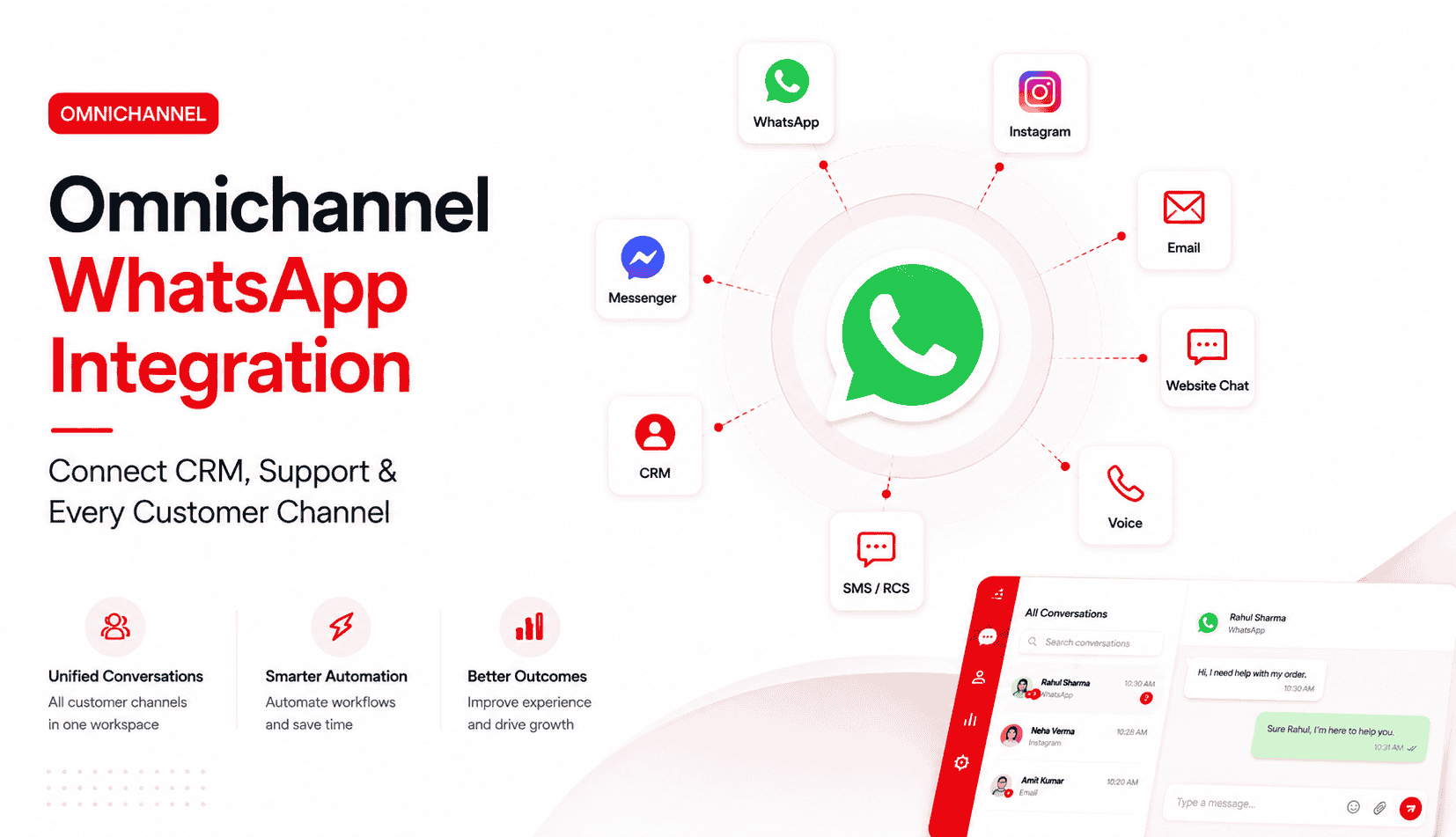
By connecting WhatsApp Business API to a shared inbox, businesses can assign conversations, track ownership, automate workflows, and give teams a single view of every customer interaction.
The result is a more scalable way to manage customer communication as the business grows.
Why Businesses Outgrow a Single WhatsApp Phone
Most businesses don't decide to implement a shared inbox.
They reach a point where they can no longer avoid it.
Common warning signs include:
- Multiple employees sharing one device
- Customers receiving duplicate responses
- Missed enquiries (especially after hours)
- Unanswered messages piling up
- No visibility into who owns which conversation
- Difficulty tracking full customer history
- Agents wasting time asking "has anyone replied to this?"
Initially these problems seem manageable.
Over time they become operational bottlenecks that hurt response times, customer experience, and team morale.
What Is a Shared WhatsApp Inbox (or Multi-Agent Inbox)?
A shared inbox allows multiple team members to access and manage conversations from a single WhatsApp Business number.
Instead of communication living on one phone, conversations are accessible through a centralized workspace (web or app).
Employees can:
- View customer conversations in real time
- Reply from the same business number
- Assign or claim chats
- Add internal notes (visible only to the team)
- Track full conversation history and customer context
- Collaborate without forwarding screenshots
The customer still sees one professional business.
Behind the scenes, multiple employees (sales, support, accounts, operations) work together with clear ownership.
In 2026 terminology, you will see "shared inbox" (basic multi-user access) and "multi-agent inbox" (with intelligent routing, analytics, and automation). The best platforms deliver both.
WhatsApp Business App vs WhatsApp Business API for Teams
This is the single most important distinction for any CX lead or Ops manager.
Capability | WhatsApp Business App (Free / Standard) | WhatsApp Business API + Shared Inbox Platform |
|---|---|---|
Number of agents | One primary user + up to 4 linked devices | Unlimited agents (platform dependent) |
Conversation assignment | Not available | Yes (manual or rule-based routing) |
Internal notes & collaboration | Not available | Yes (team-only notes, tags, statuses) |
Collision detection | No | Yes (prevents two agents replying at once) |
Full shared history | Limited to the device | Yes — cloud-based, accessible by the whole team |
Reporting & analytics | Basic message counts | Response time, resolution rate, agent performance, volume |
Automation & routing | Basic quick replies & labels only | Smart routing, auto-replies, AI agents, SLA monitoring |
CRM / system integrations | Very limited | Native or easy integrations (Zoho, HubSpot, Freshdesk, etc.) |
Suitable for | Solo operators or 1-2 people with low volume | Teams of 3+ handling 50+ conversations/day |
The free WhatsApp Business app is excellent for small-scale personal use.
It is not built for team operations. Once more than one person needs to handle the same number professionally, the Business API tier (accessed through a Business Solution Provider) becomes necessary.
See how repetitive support queries automation pairs naturally with a shared team inbox for high-volume operations.
How a Shared Inbox Works (Simple Flow)
Customer sends a message to your WhatsApp Business number.
↓
Message lands in the shared inbox platform via WhatsApp Business API.
↓
Automation or rules may tag, categorize, or auto-assign the conversation.
↓
Agent (or team) is notified and claims or is assigned the chat.
↓
Agent sees full history + any internal notes or CRM context.
↓
Agent replies (customer sees only the business number).
↓
Conversation is tracked, tagged, and can be escalated or resolved.
Everyone works from the same source of truth.
No more forwarding screenshots or asking "who replied to this customer last week?"
Benefits of Shared Team Inboxes for CX & Ops Teams
- Clear Conversation Ownership — Every chat has an assigned agent. Nothing falls through the cracks.
- Faster Response Times — The whole team sees incoming messages. No single point of failure.
- Better Collaboration — Internal notes keep context visible without confusing the customer.
- Improved Customer Experience — Customers don't have to repeat themselves. History travels with the conversation.
- Operational Visibility — Managers can see workload, response times, resolution rates, and backlogs in real time.
- Scalability — Add agents without adding chaos.
- Reduced Risk — Less chance of duplicate replies, missed messages, or compliance issues.
These benefits compound quickly for teams handling sales enquiries, support, deliveries, payments, or appointments.
Step-by-Step Setup Guide (Beginner-Friendly)
Step 1: Assess Your Current Situation
Document:
- How many agents need access today (and in 6-12 months)?
- Average daily/ monthly conversation volume?
- Main use cases (sales, support, operations)?
- Existing tools (CRM, helpdesk, e-commerce platform)?
This helps you choose the right platform and plan.
Step 2: Get WhatsApp Business API Access
You will need:
- A verified Meta Business Account
- A dedicated business phone number (not your personal one)
- Approval through a Business Solution Provider (BSP)
Most reputable shared inbox platforms act as or partner with BSPs and guide you through this.
Step 3: Choose a Shared Inbox Platform
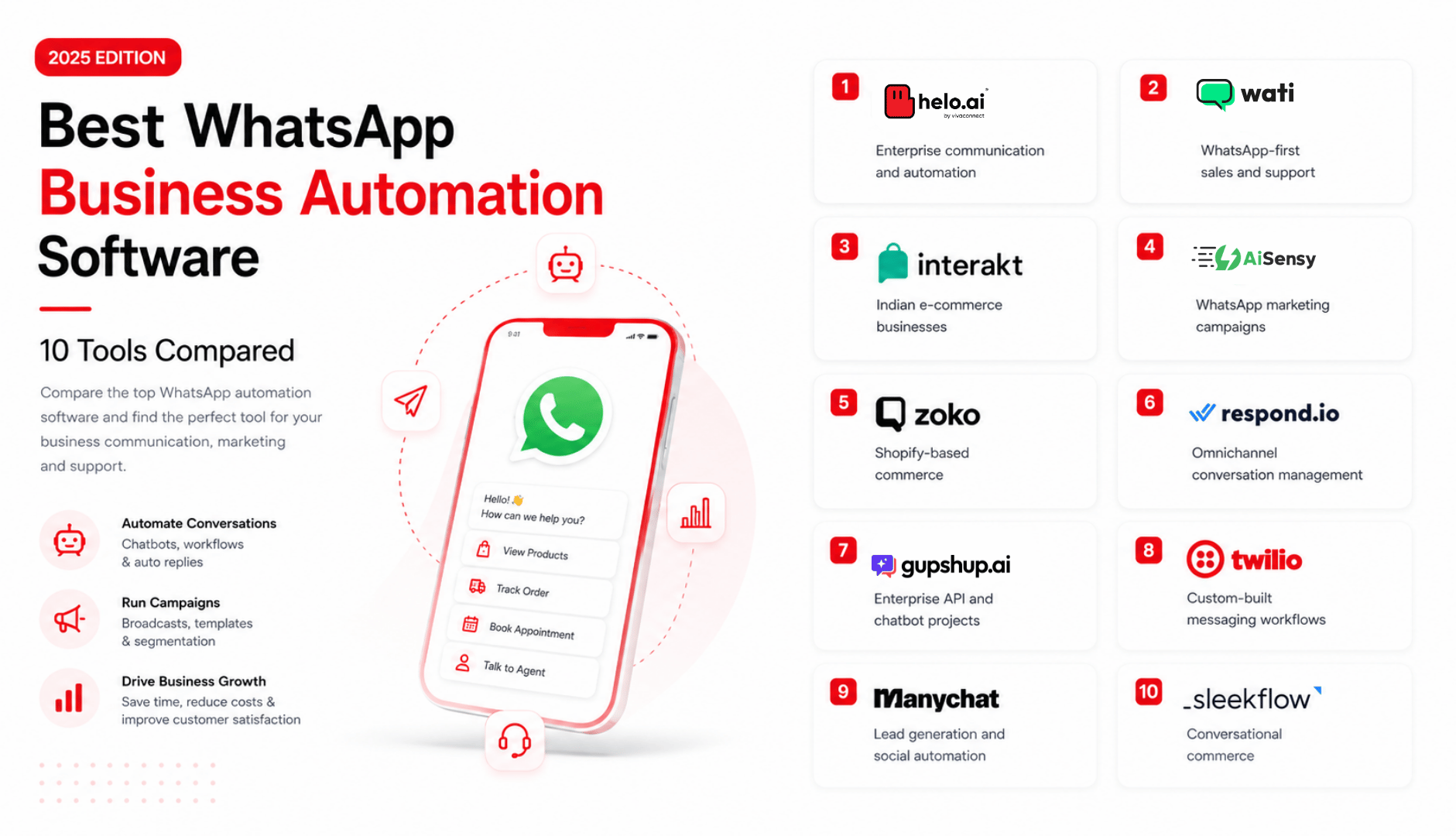
Popular options in 2026 include Respond.io, Wati, AiSensy, Interakt, Periskope, Spur, and others.
Look for:
- Easy conversation assignment & routing
- Internal notes and tags
- Analytics (response time, resolution, agent performance)
- CRM / e-commerce integrations
- Collision detection
- Reasonable pricing for your team size
- Good support and onboarding
Step 4: Connect Your Number
Once approved, connect the WhatsApp Business number to your chosen platform. This usually takes minutes to a few hours depending on the provider.
Step 5: Set Up Users, Roles & Permissions
Create accounts for your team.
Common roles:
- Admin (full access)
- Agent (can view and reply to assigned chats)
- Supervisor / Manager (visibility + reporting)
Use role-based access so not everyone can change templates, billing, or routing rules.
Step 6: Configure Routing & Automation
Start simple:
- New sales enquiries → Sales queue or specific agents
- Support requests → Support team
- High-value or VIP tags → Senior agents
Add basic auto-replies for common scenarios and set up tags (e.g., "new lead", "payment issue", "delivery delay").
Step 7: Test Thoroughly
Before going live with customers:
- Send test messages from different numbers
- Check assignment and notifications
- Verify internal notes are visible only to the team
- Test handoff between agents
- Confirm reporting is capturing data
Step 8: Train the Team & Roll Out
Walk the team through the new workflow.
Emphasize: one number, clear ownership, use notes, escalate when needed.
Many teams go live in under a week once the number is connected.
Features That Actually Matter (Prioritized for Growing Teams)
- Conversation assignment & intelligent routing
- Internal notes (team-only context)
- Collision detection / "someone is already typing"
- Tags and statuses
- Real-time analytics (first response time, resolution time, agent workload)
- CRM and tool integrations
- Basic automation + clear human escalation paths
- Search across conversations, customers, tags
- Multi-number support (if you eventually need separate sales/support numbers)
Common Automation Workflows Once You Have a Shared Inbox
- Lead routing to the right sales agent
- Support ticket categorization and assignment
- Instant auto-acknowledgements
- SLA alerts (e.g., "this chat has been open >2 hours")
- Follow-up reminders for unresolved conversations
- After-hours routing to on-call agents or queues
These become far more powerful once everything lives in one organized workspace.
Integrating with CRM and Other Tools
Most good platforms support integrations with:
- Zoho CRM, HubSpot, Salesforce, Freshsales, Pipedrive
- Helpdesk tools (Freshdesk, Zendesk, etc.)
- E-commerce platforms (Shopify, WooCommerce)
- Calendars for appointment booking
Connecting these gives agents customer context (order history, previous tickets, lead stage) directly inside the WhatsApp conversation.
Common Mistakes to Avoid
- Giving everyone full admin rights
- Skipping assignment rules (unassigned chats get ignored)
- Over-automating without clear human handoff paths
- Ignoring analytics and response-time tracking
- Trying to run everything on the free Business App for too long
- Not training the team on the new workflow
Measuring Success
Track these metrics after implementation:
- Average first response time
- Average resolution time
- Percentage of chats with clear ownership
- Missed or unanswered messages
- Agent productivity / chats per agent
- Customer satisfaction (where measured)
- Overall conversation volume vs. previous setup
The goal is not "more people on WhatsApp" — it is organized, fast, accountable customer communication.
Conclusion
The moment multiple employees need access to the same WhatsApp number, the limitations of phone-based communication become difficult to ignore.
What works for a small business owner managing a handful of conversations rarely scales to growing teams handling hundreds of customer interactions every week.
Shared team inboxes solve this by turning WhatsApp from a personal communication tool into a collaborative business platform. With centralized visibility, conversation ownership, automation, and reporting, businesses gain the structure needed to manage customer communication at scale.
For many CX leads and Ops managers, it is one of the highest-ROI operational upgrades when teams start growing.
Build Collaborative WhatsApp Workflows with Helo.ai
Helo.ai helps businesses deploy WhatsApp Business API solutions, shared team inboxes, Voice AI workflows, customer-support automation, and team collaboration systems designed for growing customer communication operations.
See how WhatsApp automation and Conversations orchestration support true multi-agent shared inboxes with routing, notes, and analytics. Book a demo to see how a shared WhatsApp team inbox can help your CX and Ops teams respond faster, collaborate better, and eliminate communication chaos.