.jpeg)
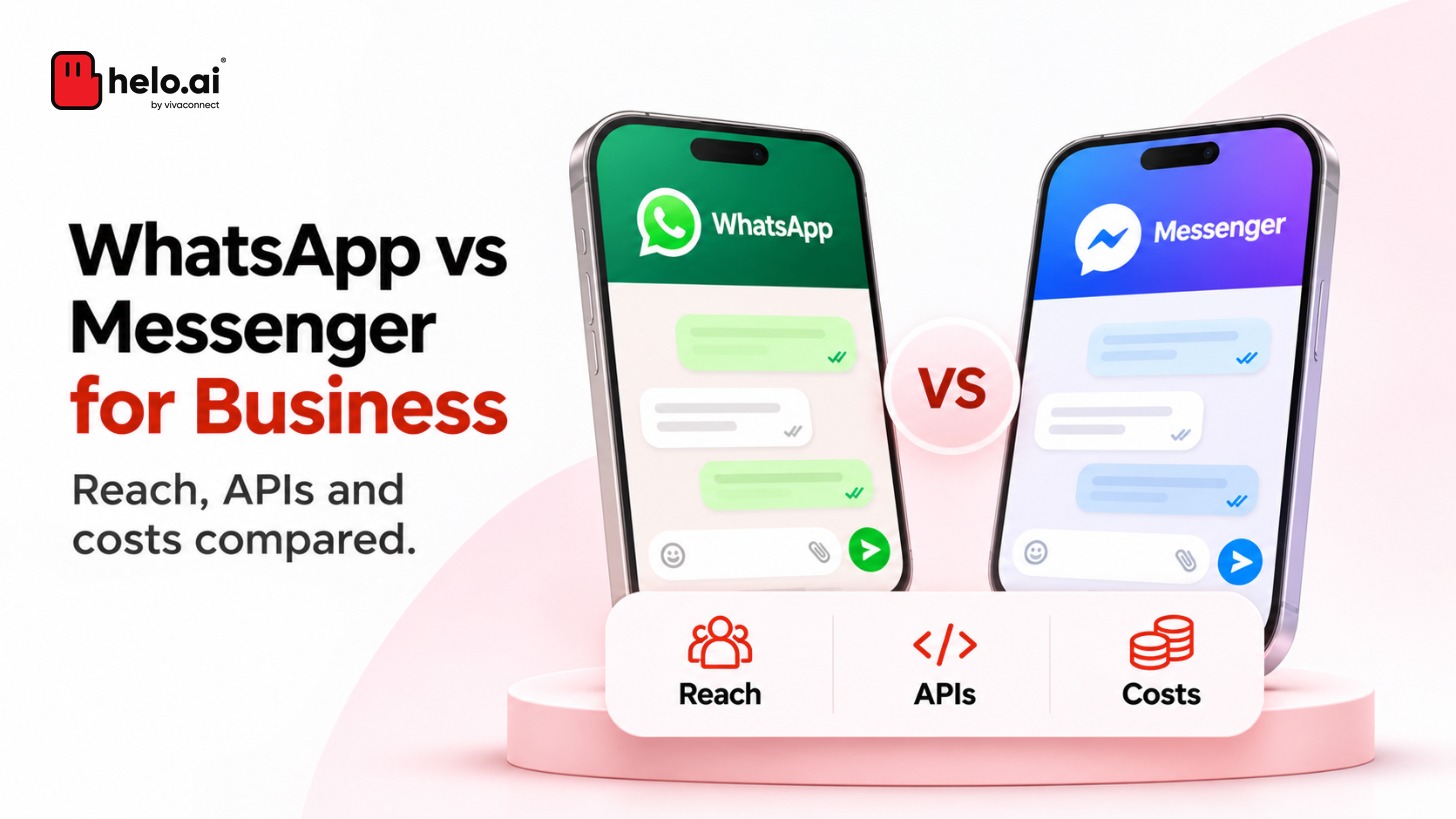


Businesses often compare WhatsApp and Facebook Messenger when choosing a messaging channel for customer engagement. While both belong to Meta's ecosystem, they serve different audiences and business needs.
WhatsApp is widely used for everyday customer communication in India, while Messenger is particularly useful for businesses that generate enquiries and engagement through Facebook.
The right platform depends on your audience, communication goals, integrations and messaging costs.
WhatsApp suits ongoing customer communication in India, such as updates, support and notifications. Messenger suits businesses with an active Facebook audience and Page-driven enquiries. Costs differ: WhatsApp charges per message by category, while Meta says the Messenger Platform itself is free.
WhatsApp vs Messenger for Business: Quick Comparison
| Feature | WhatsApp Business Platform | Messenger for Business |
|---|---|---|
| Platform | Facebook Messenger | |
| Customer identity | Phone number | Facebook account |
| Entry point | WhatsApp, links, QR codes, ads | Facebook Pages, links, ads |
| API | WhatsApp Business Platform API | Messenger Platform API |
| Automation | Chatbots, workflows, integrations | Bots, Page workflows, integrations |
| Best suited for | Customer communication, support, notifications and engagement | Facebook enquiries, leads and audience engagement |
Reach: WhatsApp or Messenger in India?
Reach depends on where your customers are active and how they prefer to communicate with businesses.
WhatsApp is a natural choice for ongoing customer communication, service updates, order notifications, support and follow-ups. Customers can interact directly with businesses without leaving their familiar messaging environment.
Messenger is useful for businesses with an active Facebook audience. It helps convert interactions from Facebook Pages, content and campaigns into conversations.
For businesses in India, WhatsApp is often more suitable for ongoing customer communication, while Messenger can complement Facebook-driven lead generation and engagement.
WhatsApp Business API vs Messenger API
Both platforms offer APIs that businesses can integrate with their systems to manage conversations and automate communication.
WhatsApp Business Platform API
Businesses can use WhatsApp to:
- Send notifications, reminders and updates
- Handle customer support conversations
- Automate enquiries and follow-ups
- Qualify leads
- Connect with CRM, payment and order management systems
Businesses can access the API directly through Meta or work with a provider for integrations, automation, analytics and platform support.
Messenger API
Messenger helps businesses manage conversations originating from Facebook, including:
- Facebook Page enquiries
- Lead generation from campaigns
- Automated responses
- Customer support
- CRM and workflow integrations
The key difference is the customer entry point. WhatsApp communication takes place within WhatsApp, while Messenger is built around Facebook Messenger interactions.
Source check: Meta’s Messenger Platform overview says it lets a Facebook Page or Instagram Professional account respond to people who message them. It names Pages, a plugin on your website or app, and Click-to-Messenger ads as entry points. The standard messaging window is 24 hours, or up to 7 days after a Click-to-Messenger ad message. Meta’s WhatsApp page also gives WhatsApp a 24-hour window, after which only approved templates can be sent.
Business Use Cases
| Use case | Messenger | |
|---|---|---|
| Order updates | Order confirmation, shipping and delivery | Customer updates from Facebook interactions |
| Lead generation | Click-to-WhatsApp ads and follow-ups | Facebook Page and campaign enquiries |
| Customer support | Ongoing service conversations | Facebook-based support |
| Marketing | Promotional campaigns subject to Meta policies | Facebook audience engagement |
| Automation | Customer journeys, bots and workflows | Page-based bots and workflows |
| Appointment reminders | Confirmations and reminders | Follow-ups for Facebook-originated leads |
WhatsApp is useful for banking updates, e-commerce notifications, appointment reminders, customer onboarding and service communication.
Messenger works well for responding to Facebook enquiries, qualifying leads, answering product questions and engaging customers who discover a business through Facebook.
WhatsApp vs Messenger: Cost in India
The cost depends on messaging charges, software, integrations and campaign requirements.
WhatsApp Business Platform
WhatsApp pricing varies by message category and recipient market. Businesses may also pay platform, provider, integration or automation fees.
| Cost component | What businesses should consider |
|---|---|
| Meta messaging charges | Rates based on applicable message category and market |
| Platform/provider fees | Subscription, usage or service charges |
| Integrations | CRM, automation and backend connectivity |
| Campaign management | Setup, execution and monitoring |
Messenger
Messenger does not have one universal per-message cost applicable to every business setup. Costs may arise from automation software, third-party platforms, integrations, campaign advertising and customer support tools.
Which is more cost-effective?
Neither is universally cheaper. WhatsApp costs depend on message categories and volume, while Messenger costs depend more on the tools, integrations and campaigns involved.
Businesses should compare the total cost of running the communication journey rather than only the cost of sending a message.
Check the cost claims: Meta says “The Messenger Platform is free to use”, so Messenger costs come from the tools, ads and support around it. Meta’s send-messages page says promotional messages outside the 24-hour window should use Sponsored Messages or One-Time Notifications, and tags cannot carry promotions. Meta’s pricing page says WhatsApp bills per delivered message from 1 July 2025, with rates in market rate cards.
Integration and Automation
Messaging APIs become more valuable when connected with business systems.
Businesses can integrate messaging with:
- CRM and lead management systems
- Customer support platforms
- Marketing automation
- Order management systems
- Payment platforms and internal databases
For example, an e-commerce business can send order confirmations and delivery updates through WhatsApp, while a business generating leads from Facebook can use Messenger to capture enquiries, qualify customers and route them to its sales team.
Automation can reduce manual work, improve response times and help businesses manage conversations more efficiently.
Comparing WhatsApp API providers?
Read Helo.ai’s comparison of WhatsApp API providers, including pricing, support and integrations.
What Businesses Should Consider at Enterprise Scale
For businesses managing 200M+ messaging engagements per month across channels, API availability alone is not enough. Infrastructure needs to support high volumes, peak traffic and consistent communication.
| Requirement | Why it matters |
|---|---|
| API stability | Keeps business workflows connected |
| Throughput capacity | Handles high-volume traffic and campaign peaks |
| Queueing and retries | Helps manage processing and temporary failures |
| Monitoring and reporting | Provides visibility into performance and delivery |
| Redundancy and disaster recovery | Supports business continuity |
| Security and access controls | Protects customer and system data |
| SLA and technical support | Defines uptime, response times and escalation |
Businesses should evaluate uptime commitments, incident response, escalation procedures, support availability, maintenance communication and disaster recovery provisions before choosing a messaging provider.
Source check: Helo.ai’s newsroom says Helo.ai sent over 238 million WhatsApp messages in May 2025 alone. The page gives no publication date.
Which Platform Should Your Business Choose?
Choose WhatsApp if:
- Your customers already use it to communicate with businesses.
- You need service updates, reminders and notifications.
- Customer support and ongoing engagement are important.
- You want to automate customer communication journeys.
Choose Messenger if:
- You have an active Facebook audience.
- You generate enquiries through Facebook Pages or ads.
- Your engagement strategy is connected to Facebook.
- You want to automate Facebook-originated conversations.
Businesses can also use both. Facebook can help generate leads, Messenger can handle Facebook interactions, and WhatsApp can support ongoing customer communication.
Frequently Asked Questions
Is WhatsApp better than Messenger for business in India?
WhatsApp is often more suitable for ongoing customer communication, notifications, support and automated journeys. Messenger is useful for businesses with an active Facebook audience and Page-driven enquiries.
Can businesses automate both WhatsApp and Messenger?
Yes. Both support business automation through their respective APIs, integrations and platform capabilities. Businesses can automate responses, qualify leads, route conversations and connect messaging with CRM systems.
Is Messenger free for businesses?
There is no single pricing structure for every business setup. Costs may include automation platforms, integrations, advertising, customer support tools and other services.
Can WhatsApp and Messenger be managed together?
Businesses can use third-party platforms to manage multiple channels through a shared interface, depending on available integrations. This can help centralise conversations, routing, automation and reporting.
Making the Right Messaging Choice
WhatsApp and Messenger serve different business needs. WhatsApp is often better suited for ongoing customer communication, service updates and customer journeys, while Messenger can support businesses that rely on Facebook for customer discovery and engagement.
The right choice comes down to customer preferences, communication objectives, integration requirements, cost and the ability to manage conversations at scale.
As businesses expand across channels, managing customer communication through connected workflows becomes increasingly important.
Connect Your Customer Communication with Helo.ai
Managing customer communication across channels requires messaging, automation, integrations and visibility.
Helo.ai helps businesses manage customer communication across channels with capabilities designed to support customer engagement and communication at scale.
If you're evaluating WhatsApp, Messenger or a broader messaging strategy, speak with our team to explore the right setup.
Choose the right messaging setup
Talk to the Helo.ai team about WhatsApp, Messenger and a wider messaging strategy.
Note. Helo.ai offers WhatsApp services and published this guide. Meta pages were checked on 23 November 2026, and Meta’s pricing, windows and policies change often.