.jpeg)
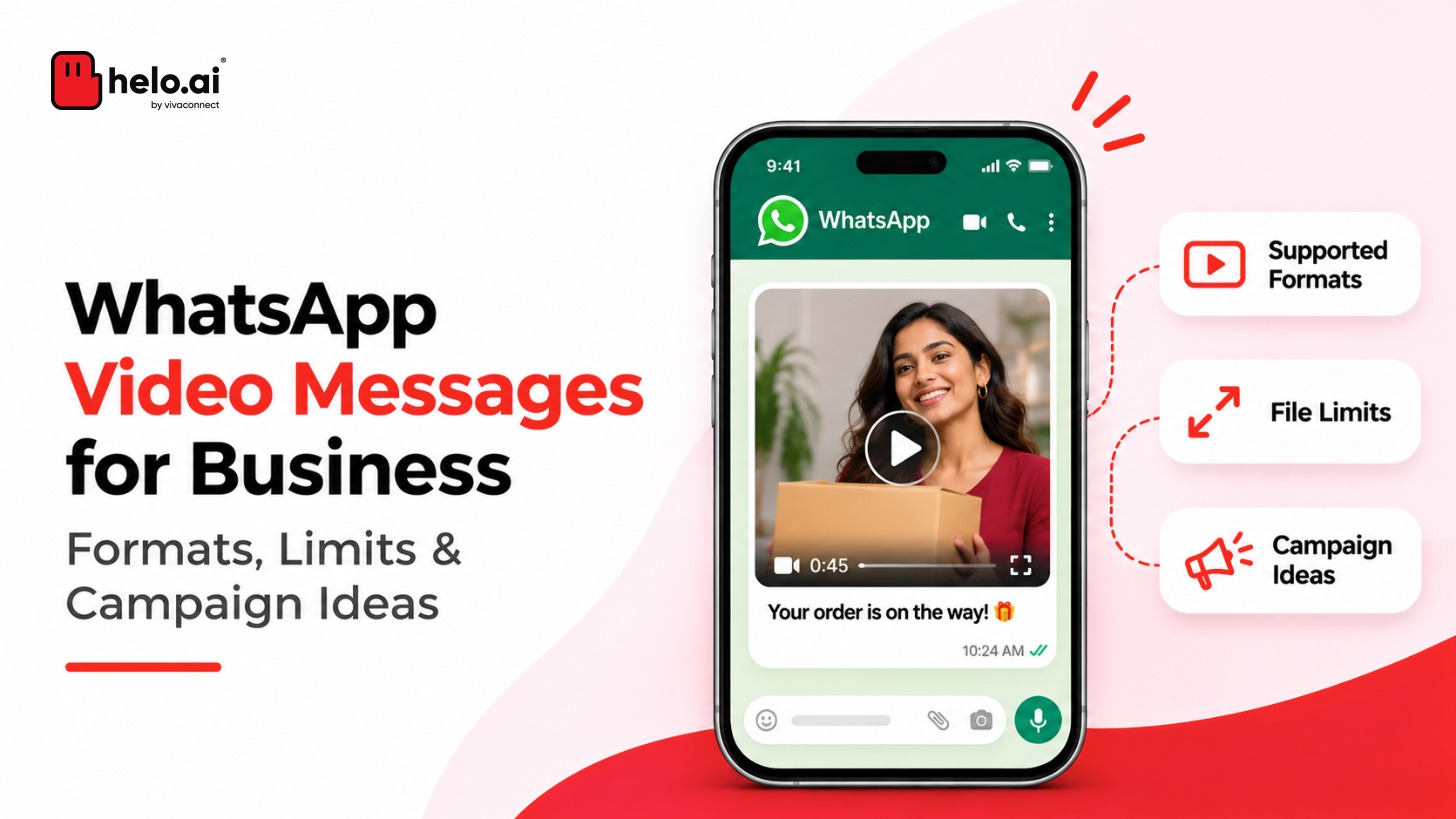


Videos can make business messages easier to understand, more engaging and more personal. A product demonstration, a quick offer or a short explainer can communicate much more than text alone.
With WhatsApp, businesses can share videos directly in customer conversations, making it easier to showcase products, announce launches, explain services and connect with customers.
But how do you send a video on WhatsApp? Which formats work, what are the file limits, and how can businesses use videos in campaigns?
Let's explore.
WhatsApp supports videos as regular media, video notes, template videos and video links. For the Business Platform, Meta lists MP4 and 3GP files up to 16 MB, using H.264 video and AAC audio. This guide covers formats, sending steps, five campaign examples, tips and fixes.
What are WhatsApp video messages?
WhatsApp video messages are videos shared with customers through WhatsApp conversations. Businesses can use them to demonstrate products, explain services, announce offers, share updates or provide useful information.
For example, a D2C brand can send a product demonstration after a customer shows interest, while a bank can share a short video explaining how a service works.
Businesses can send videos as regular media messages or use video in supported WhatsApp Business Platform message templates, depending on their setup.
Types of WhatsApp video messages
Not every WhatsApp video is sent in the same way. The format depends on whether you're sharing a video manually, sending a business campaign or recording a quick video directly in chat.
| Video format | What it is | Best suited for |
|---|---|---|
| Regular video | Video file shared in a conversation | Product demos, announcements and promotions |
| Video note | Short, circular video recorded within WhatsApp | Personal updates and quick conversations |
| Template video | Video included in a supported business message template | Campaigns, launches and business-initiated messaging |
| Video link | Link to a hosted video | Tutorials, longer videos and webinars |
Regular video messages are useful for sharing product demonstrations, promotional content and announcements.
Video notes are short circular videos recorded directly in WhatsApp. They are more conversational and are not the same as standard campaign video media.
Template videos allow businesses using the WhatsApp Business Platform to include video in supported template headers, subject to the applicable requirements.
Video links are a useful alternative when the video is too long or large to send directly.
Source check: WhatsApp’s announcement calls video notes instant video messages. You press and hold the camera icon in a chat to record, and a message can run up to 60 seconds. Meta’s video messages page documents standard 3GPP and MP4 files for the API. It recommends uploading the file and sending it by media ID, and says sending a public link works but gives lower performance.
WhatsApp video formats and limits
Before sending a WhatsApp message and video, check that the file meets the supported media requirements.
| Specification | Requirement |
|---|---|
| Video format | MP4 for template video headers |
| Standard media formats | MP4 and 3GP, where supported |
| Maximum file size | 16 MB |
| Video codec | H.264 |
| Audio codec | AAC |
Requirements may vary depending on the sending method and provider implementation. Template video headers have their own supported media requirements.
For detailed API media specifications, refer to our WhatsApp API Media File Size Limits guide.
Source check: Meta’s media page lists 3GPP and MP4 video with a 16 MB maximum, H.264 video and AAC audio only, and a single audio stream or none. Meta’s video messages page allows a caption of up to 1,024 characters. Meta’s template components page says media headers need an example uploaded through the Resumable Upload API. It states no video size or format for headers, so the “MP4 for template video headers” row is not confirmed there.
Scope check: The 16 MB limit above is Meta’s limit for the WhatsApp Business Platform. This guide does not source a size limit for the WhatsApp Business App, so confirm it before keeping the FAQ line that calls 16 MB the general limit.
How to send videos on WhatsApp
The process depends on whether you're using the WhatsApp Business App or the WhatsApp Business Platform.
WhatsApp Business App
Businesses can manually send videos to individual customers or through supported app-based broadcast features.
- Open the customer chat or broadcast list.
- Tap the attachment icon.
- Select Gallery or Photos.
- Choose your video.
- Add a caption.
- Preview and send.
This is suitable for businesses handling communication manually through the app.
WhatsApp Business Platform/API
Businesses using the WhatsApp Business Platform can send video media through supported message types or use videos in eligible templates.
This approach is better suited for structured customer communication, campaigns, audience segmentation and messaging workflows connected to business systems.
The sending process depends on the provider's implementation, including how media is uploaded, hosted and attached to messages.
Source check: Meta’s media page says media uploaded through the API is stored for 30 days and media IDs expire after 30 days, so re-upload a video before reusing it in a later campaign. Meta’s service messages page says only approved templates can be sent outside the 24-hour customer service window. Meta’s opt-in page requires opt-in before you message people on WhatsApp.
WhatsApp video campaign ideas for businesses
Videos can be used across different stages of the customer journey, from product discovery to customer education and service communication.
| Industry | Campaign idea | Video content |
|---|---|---|
| D2C | Product demonstration | Show product features, usage and benefits |
| Retail | New collection launch | Preview new arrivals, styling or collections |
| Banking | Product education | Explain eligibility, benefits or application steps |
| Insurance | Policy awareness | Explain coverage, claims or policy features |
| Real estate | Property walkthrough | Showcase layouts, amenities and property views |
| Travel | Destination promotion | Preview destinations, experiences and packages |
| Restaurants | Menu promotion | Showcase new dishes, combos or seasonal menus |
| Education | Course introduction | Explain courses, learning outcomes and student experiences |
WhatsApp video campaign examples
1. D2C product demonstration
Video idea
Show how a product works, its key features and what makes it useful.
WhatsApp message
Hi {{1}}, your next favourite product might be here. Watch how {{2}} works and discover what makes it different.
2. Retail collection launch
Video idea
A short preview of a new collection, featuring products, styling and new arrivals.
WhatsApp message
Something new has arrived! Take a first look at our latest collection before you explore the range.
3. Banking product explainer
Video idea
Explain a product, its benefits, eligibility or how customers can get started.
WhatsApp message
Looking for a personal loan? Here's a quick look at how it works and how you can apply.
4. Insurance awareness
Video idea
Explain a policy feature, claims process or coverage benefit in simple language.
WhatsApp message
Understanding your coverage shouldn't be complicated. Watch this quick guide to know what your policy includes.
5. Restaurant promotion
Video idea
Show a new menu item, popular dishes or a limited-time offer.
WhatsApp message
Your favourites just got a new addition. Take a look at what's cooking this week!
Source check: Most of these examples promote products, so templates sent outside the 24-hour window are likely to be reviewed as marketing. Meta’s template categorization page says Meta can recategorise a template. Meta’s pricing page says marketing templates are charged per delivered message, except inside a free entry point window.
Planning video campaigns on WhatsApp, SMS and RCS?
See how Helo Broadcast manages campaigns across WhatsApp, SMS and RCS.
5 tips for effective WhatsApp video campaigns
A video sent on WhatsApp should be easy to watch, understand and act on, especially on a mobile screen.
- Start with the message: Show the product, offer or key information in the opening seconds.
- Keep it relevant: Send videos that match the customer's interests or recent interaction.
- Keep it concise: Use only the duration needed to explain or demonstrate your message.
- Add captions: Make the video understandable even when customers watch without sound.
- Include a clear CTA: Encourage customers to explore, enquire, reply or take the next step.
Before sending, check the video size, quality, text readability and playback on a mobile device.
Source check: A WhatsApp caption is text of up to 1,024 characters, so it does not replace on-screen subtitles. Add subtitles inside the video file if you want it to work without sound.
Common WhatsApp video issues and how to fix them
| Problem | What you can do |
|---|---|
| Video won't send | Check file size and supported format |
| Video won't play | Check codec compatibility and file integrity |
| Video looks blurry | Export at a suitable resolution and avoid excessive compression |
| Video takes too long to load | Reduce file size or bitrate |
| Text is difficult to read | Use larger text and mobile-friendly framing |
| Low campaign engagement | Review the opening, relevance and CTA |
If the video exceeds the supported file size, compress it or share a hosted video link instead.
Source check: Meta’s media page says Android WhatsApp clients do not support the H.264 High profile with B-frames, so use the Main profile without B-frames or the Baseline profile. It also advises placing the moov box before the mdat box, which the ffmpeg flag -movflags faststart does.
How Helo.ai helps businesses run video campaigns
Video campaigns are often part of a larger customer communication strategy. Businesses need to reach the right audience, coordinate messaging and understand campaign performance.
Helo.ai helps businesses manage communication across WhatsApp, SMS and RCS through a unified platform.
With audience segmentation, broadcasts, analytics and configured channel fallback, businesses can coordinate communication across channels as part of their campaign strategy.
For example, a retail brand can send a product video to a relevant audience on WhatsApp and coordinate follow-up communication across other messaging channels based on its campaign setup.
Scope check: The Helo Broadcast page lists SMS, WhatsApp, RCS and email from a single control plane. Helo.ai’s campaign management page lists SMS, WhatsApp, RCS and voice, with segmentation and live analytics. Neither page describes channel fallback or sending video media, so confirm both with the team before keeping those lines. Helo’s products are separate offerings, so confirm which one this section refers to.
Talk to the Helo.ai team
Planning your next WhatsApp campaign? Explore how Helo.ai can help you manage customer communication across WhatsApp, SMS and RCS. Talk to our team.
Frequently asked questions
Can businesses send videos on WhatsApp?
Yes. Businesses can share videos in WhatsApp conversations and send supported video media through eligible WhatsApp Business Platform templates.
What is the maximum video size on WhatsApp?
The supported media limit is generally 16 MB for WhatsApp video messages. Specific template and provider requirements may also apply.
Which video format works on WhatsApp?
MP4 is commonly used for WhatsApp videos. Standard media support can also include 3GP, depending on the implementation. Business template video headers have specific format requirements.
Can businesses send video campaigns on WhatsApp?
Yes. Businesses can use videos for product launches, promotions, product demonstrations, education and customer communication through supported business messaging solutions.
Can I send a long video on WhatsApp?
If a video exceeds the supported file size, you can compress it or share a link to a hosted video.
Conclusion
WhatsApp videos give businesses a way to demonstrate products, explain services and make campaign messages more useful.
Whether you're launching a product, educating customers or promoting an offer, choose a video format that fits the message, keep it mobile-friendly and make the next step clear.
The best video campaign isn't necessarily the most elaborate one. It's the one that delivers the right message to the right customer.
Related resource
- WhatsApp Media Message: Formats & Limits
Note. Helo.ai offers campaign products and published this guide. Meta and WhatsApp pages were checked on 25 November 2026. Media limits and WhatsApp rules change, so confirm them before sending.