.jpeg)
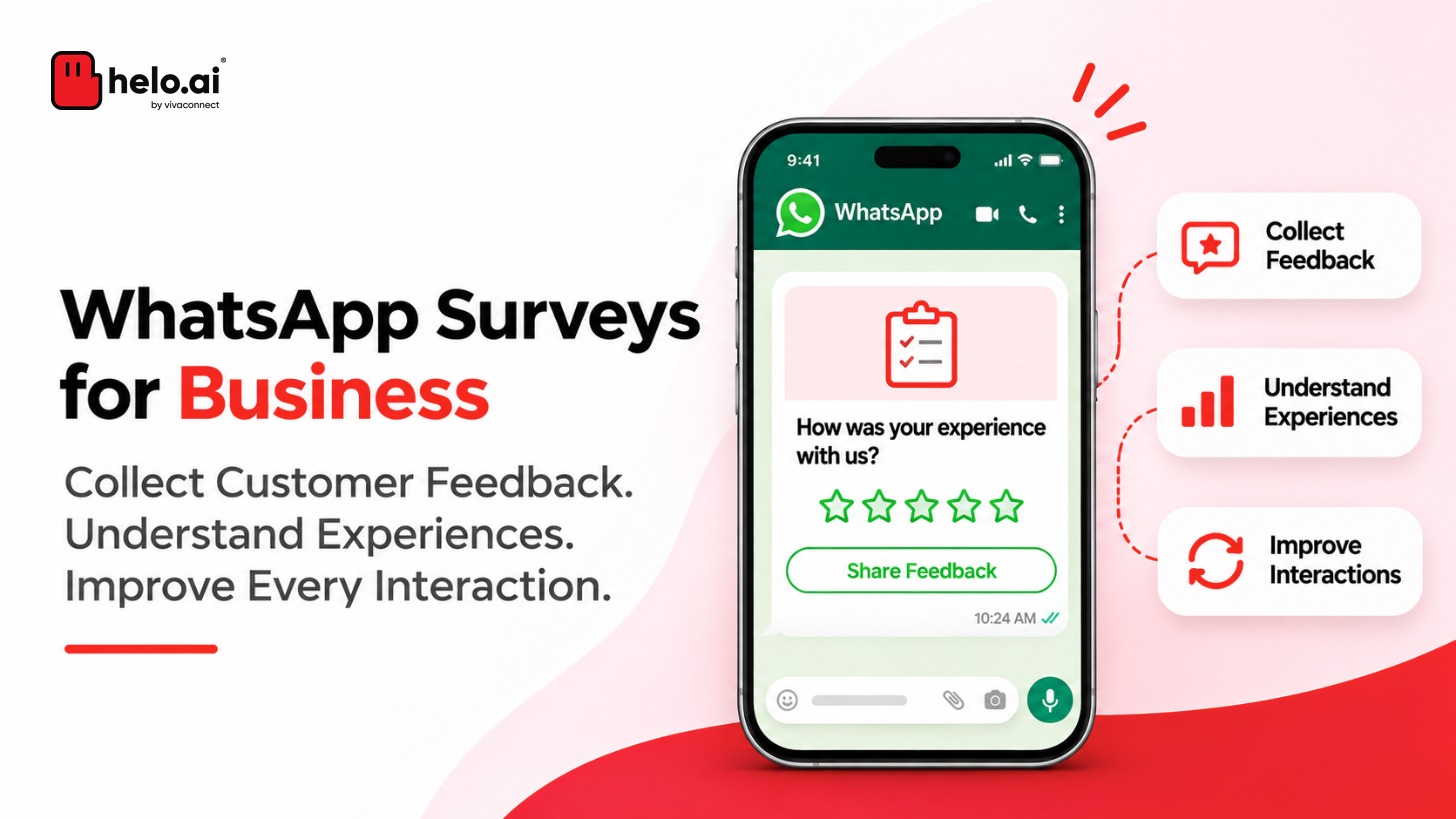


Businesses need customer feedback to understand what is working, where customers face problems and what needs to improve. But getting customers to complete a survey can be difficult when it involves long forms or multiple steps.
WhatsApp makes feedback collection simpler by allowing businesses to ask questions through a familiar messaging channel. From a quick satisfaction rating to a multi-question survey, businesses can collect feedback at different stages of the customer journey.
In this guide, we'll explore how to create WhatsApp surveys, use ready-to-send templates, automate feedback collection and improve response rates.
A WhatsApp survey sends feedback questions to customers in chat, using reply buttons, lists, Flows or chatbots. Match the format to the number of questions, send it after a relevant event and plan the follow-up. This guide covers 10 templates, 3 automated flows, response metrics and policy guidelines.
What is a WhatsApp survey?
A WhatsApp survey is a set of questions sent to customers through WhatsApp to collect feedback, preferences, opinions or information about their experience.
Businesses use WhatsApp surveys to understand customer satisfaction, gather product feedback, measure service quality and identify areas for improvement.
For example, an online retailer may send a customer a quick message after delivery:
How was your shopping experience?
Great
Average
Could be better
Based on the response, the business can thank the customer, ask a follow-up question or initiate support.
Why businesses use WhatsApp surveys
WhatsApp surveys offer a convenient way to collect feedback without asking customers to visit another website or fill out lengthy forms.
Businesses use them to:
- Measure customer satisfaction after purchases or service interactions.
- Collect product feedback and understand customer preferences.
- Identify service issues related to delivery, support or processes.
- Measure customer loyalty through NPS surveys.
- Improve customer journeys using feedback collected at relevant touchpoints.
The key is to ask relevant questions at the right time and make responding easy.
WhatsApp survey formats
Choose a format based on the number of questions and the type of response you need.
| Format | Best suited for |
|---|---|
| Reply buttons | Quick questions with up to 3 choices |
| List messages | Choosing from multiple options, up to 10 list items |
| WhatsApp Flows | Structured, multi-question surveys |
| Chatbots | Conversational surveys with conditional follow-ups |
| External survey links | Detailed questionnaires and research |
For simple feedback, buttons are usually enough. For multiple questions, structured forms or chatbot journeys may be more suitable.
Source check: Meta’s reply buttons page allows up to 3 buttons, and its list messages page allows up to 10 rows in total. Meta’s Flows component reference lists text input, radio buttons, checkboxes, dropdowns and date pickers, and it describes no star-rating component. A 0 to 10 scale therefore needs a radio group or dropdown, and radio groups take up to 20 options.
How to create a survey for WhatsApp
Creating a WhatsApp survey involves more than writing questions. The survey should have a clear objective, a suitable format and a plan for handling responses.
Step 1: Define your objective
Decide what you want to learn. It could be customer satisfaction, product feedback, delivery experience or service quality. Keep each survey focused on one objective.
Step 2: Choose the format
Use buttons for quick answers, lists for multiple choices and WhatsApp Flows or chatbots for multi-question surveys.
Step 3: Keep questions simple
Avoid long or complicated questions. Ask one thing at a time and use clear answer options.
Step 4: Choose the right timing
Send surveys after relevant customer events, such as an order delivery, support interaction, store visit or completed onboarding.
Step 5: Set up follow-ups
Decide what happens after the response. Negative feedback may need a support follow-up, while positive feedback may simply require a thank-you message.
Step 6: Test and launch
Test the complete survey, including answer options, response capture, follow-up logic and completion messages before sending it to customers.
10 WhatsApp survey templates for businesses
Use these templates as a starting point and adapt them to your customer journey.
Source check: Meta’s service messages page says only approved templates can be sent outside the 24-hour customer service window. Meta’s template components page allows up to 10 quick reply buttons per template, with labels of up to 25 characters. Meta’s Flows sending page says a business-initiated Flow goes out through an approved template with a Flow button.
1. Customer satisfaction (CSAT)
Format: Buttons or rating interface
Hi {{1}}, we'd love to know how your recent experience with us was.
How would you rate your experience?
Very good
Average
Poor
Your feedback helps us improve.
2. Post-purchase feedback
Format: Reply buttons
Hi {{1}}, thank you for shopping with us!
How are you liking your recent purchase?
Love it
It's okay
Not satisfied
3. Delivery feedback
Format: Reply buttons
Hi {{1}}, your order has been delivered!
How was your delivery experience?
Smooth
Delayed
Had an issue
4. NPS survey
Format: Flow or numeric response
Hi {{1}}, how likely are you to recommend {{2}} to a friend or colleague?
Rate us from 0 to 10, where 0 means not at all likely and 10 means extremely likely.
5. Product feedback
Format: Flow or chatbot
Hi {{1}}, we'd love to hear your thoughts on {{2}}.
What did you like most about the product?
Quality
Design
Ease of use
Value for money
What could we improve?
6. Customer support feedback
Format: Reply buttons with follow-up
Hi {{1}}, your support request has been resolved.
Were you satisfied with the assistance?
Yes
Partially
No
If the customer selects Partially or No, ask what went wrong or offer support.
7. Store visit feedback
Format: Reply buttons
Hi {{1}}, thank you for visiting {{2}}.
How was your experience at our store?
Great
Average
Needs improvement
8. Product preference survey
Format: List message
We're planning our upcoming collection and would love your input.
Which category would you like to see more of?
Everyday essentials
Premium collection
Accessories
New arrivals
Seasonal products
9. Banking service feedback
Format: WhatsApp Flow
Thank you for using {{1}}.
How satisfied were you with your recent banking experience?
Very satisfied
Satisfied
Neutral
Dissatisfied
Very dissatisfied
Optional follow-up: Was there anything we could have done to make the process easier?
10. Insurance service feedback
Format: WhatsApp Flow
Hi {{1}}, we'd like to understand your experience with our recent service.
How satisfied were you with the assistance provided?
Very satisfied
Satisfied
Neutral
Dissatisfied
Very dissatisfied
Would you like our team to contact you regarding your feedback?
Category check: Meta’s template categorization page says a feedback survey can be a utility template only when it relates to a specific order, transaction or engagement. It says a general or generic survey will not be approved as utility, and promotional content makes it marketing. Templates tied to a delivery, support case or store visit (3, 6 and 7) fit the first rule. The product preference survey (8) does not, so submit it as a marketing template.
Planning surveys across WhatsApp, SMS and RCS?
See how Helo Broadcast manages messages across WhatsApp, SMS and RCS.
WhatsApp survey flows: 3 examples
Survey automation allows businesses to collect feedback based on customer actions rather than sending every survey manually.
| Industry | Trigger | Survey | Follow-up |
|---|---|---|---|
| D2C | Order delivered | Rate your shopping experience | Ask what could be improved |
| Banking | Support request closed | Was your issue resolved? | Flag dissatisfied responses |
| Retail | Customer research campaign | Which product interests you? | Ask about purchase intent |
For example, a bank can send a CSAT survey after a service interaction, identify dissatisfied customers and route their feedback to the relevant team, depending on the configured workflow.
How to improve WhatsApp survey response rates
Getting customers to respond depends on how relevant and easy the survey feels.
- Send it at the right time: Ask for feedback soon after the experience.
- Keep it short: Start with one to three relevant questions.
- Make responding easy: Use buttons and structured options instead of long text replies.
- Explain the purpose: Tell customers how their feedback will help.
- Personalise the message: Reference the relevant purchase, interaction or service.
- Avoid repeated reminders: Suppress completed surveys and respect customer preferences.
- Act on feedback: Use negative responses to identify and resolve issues.
How to measure WhatsApp survey performance
Track more than just the number of responses. Measure how well the survey reaches customers and whether the feedback is useful.
| Metric | Formula |
|---|---|
| Delivery rate | Delivered ÷ Sent × 100 |
| Response rate | Responses ÷ Delivered × 100 |
| Completion rate | Completed surveys ÷ Started surveys × 100 |
| CSAT | Satisfied responses ÷ Total CSAT responses × 100 |
| NPS | % Promoters − % Detractors |
| Negative feedback rate | Negative responses ÷ Total responses × 100 |
For example, if 800 surveys are delivered and 200 customers respond:
Response rate = (200 ÷ 800) × 100 = 25%
Compare survey performance over time across similar audiences and customer journeys rather than relying on a universal response-rate benchmark.
Source check: SurveyMonkey’s NPS guide groups 0 to 10 answers as promoters (9 to 10), passives (7 to 8) and detractors (0 to 6). IBM’s CSAT guide counts 4 or 5 out of 5 as satisfied and warns that responses can skew toward extremes. The three-option CSAT template (Very good, Average, Poor) needs its own definition of satisfied.
Cost check: Meta’s pricing page says free-form service messages are free until 30 September 2026, then each business number gets 1,000 free service messages a month from 1 October 2026. Utility templates sent inside an open customer service window were free until 30 September 2026 and are charged from 1 October 2026. Marketing templates are charged per delivered message, except inside a free entry point window.
When should businesses automate WhatsApp surveys?
Businesses can trigger surveys around important customer events:
- Order delivered → Delivery feedback
- Support ticket closed → Customer satisfaction
- Branch visit completed → Branch experience
- Onboarding completed → Onboarding feedback
- Event attended → Event feedback
- Product purchased → Product satisfaction
Automation can help businesses send surveys consistently, segment audiences and manage follow-ups. CRM, order management or support integrations may be required to trigger these journeys and process responses.
WhatsApp survey guidelines
Before launching a survey, businesses should ensure that their messaging follows WhatsApp policies and applicable privacy requirements.
- Obtain appropriate customer permission for messaging.
- Use approved templates where required for business-initiated messages.
- Keep survey messages relevant and avoid disguising promotions as feedback requests.
- Collect only the information necessary.
- Do not ask for OTPs, passwords, card details or confidential financial information.
- Respect opt-outs and customer messaging preferences.
If promotional content is added to a survey, the message may fall under a different messaging category and policy requirement.
Source check: Meta’s messaging policy says businesses may message people only after opt-in, must respect opt-out requests, and must not ask people to share full-length payment card numbers, financial account numbers, personal ID card numbers or other sensitive identifiers. India’s DPDP Rules were notified on 14 November 2025 with an 18-month phased compliance period and a plain-language notice stating the specific purpose of collection. Check with your privacy team what applies to survey data.
How Helo.ai helps businesses manage customer communication
Customer feedback often needs to be collected across different customer touchpoints. Businesses need to reach the right audience, send messages at the right time and manage communication across channels.
Helo.ai supports enterprise communication across WhatsApp, SMS and RCS. Businesses can use their communication setup to manage survey invitations and follow-up journeys, with relevant integrations and workflows configured around customer events.
For example, a retailer can initiate a feedback journey after delivery, while a service business can plan surveys following completed customer interactions.
Scope check: The Helo Broadcast page lists SMS, WhatsApp, RCS and email from a single control plane, with a journey builder. Helo.ai’s campaign management page lists SMS, WhatsApp, RCS and voice, with segmentation and live analytics. Neither page describes collecting survey responses, scoring them or routing follow-ups, so confirm those steps with the team. The Helo Voice page mentions survey and feedback calls, which are separate from the WhatsApp channel.
Plan your WhatsApp survey journeys
Want to simplify customer communication across channels? Talk to the Helo.ai team.
Frequently asked questions
Can businesses conduct surveys on WhatsApp?
Yes. Businesses can collect feedback using reply buttons, list messages, WhatsApp Flows, chatbots or external survey links.
Can I ask multiple questions in a WhatsApp survey?
Yes. WhatsApp Flows and chatbot conversations can support multiple questions, depending on the implementation.
Can WhatsApp surveys be automated?
Yes. Surveys can be triggered after events such as purchases, deliveries, appointments or support interactions when the required integrations are configured.
What is a good WhatsApp survey response rate?
There is no universal benchmark. Timing, audience, question length and relevance all affect response rates. Compare your own campaigns to understand what works.
Can WhatsApp surveys be used for NPS?
Yes. Customers can rate their likelihood of recommending a business from 0 to 10. Responses can be grouped into promoters, passives and detractors to calculate NPS.
Are WhatsApp surveys free?
Costs depend on messaging charges, provider pricing, survey tools, integrations and implementation requirements.
Conclusion
WhatsApp surveys give businesses a simple way to collect feedback, understand customer experiences and identify areas that need improvement.
Start with one clear question, send it at the right moment and make responding effortless. More importantly, use the feedback to improve the next customer interaction.
Related resource
- Voice Bot for Surveys
Note. Helo.ai offers campaign products and published this guide. Meta, SurveyMonkey, IBM and government pages were checked on 25 November 2026. WhatsApp rules and pricing change often, so confirm them before launching.