
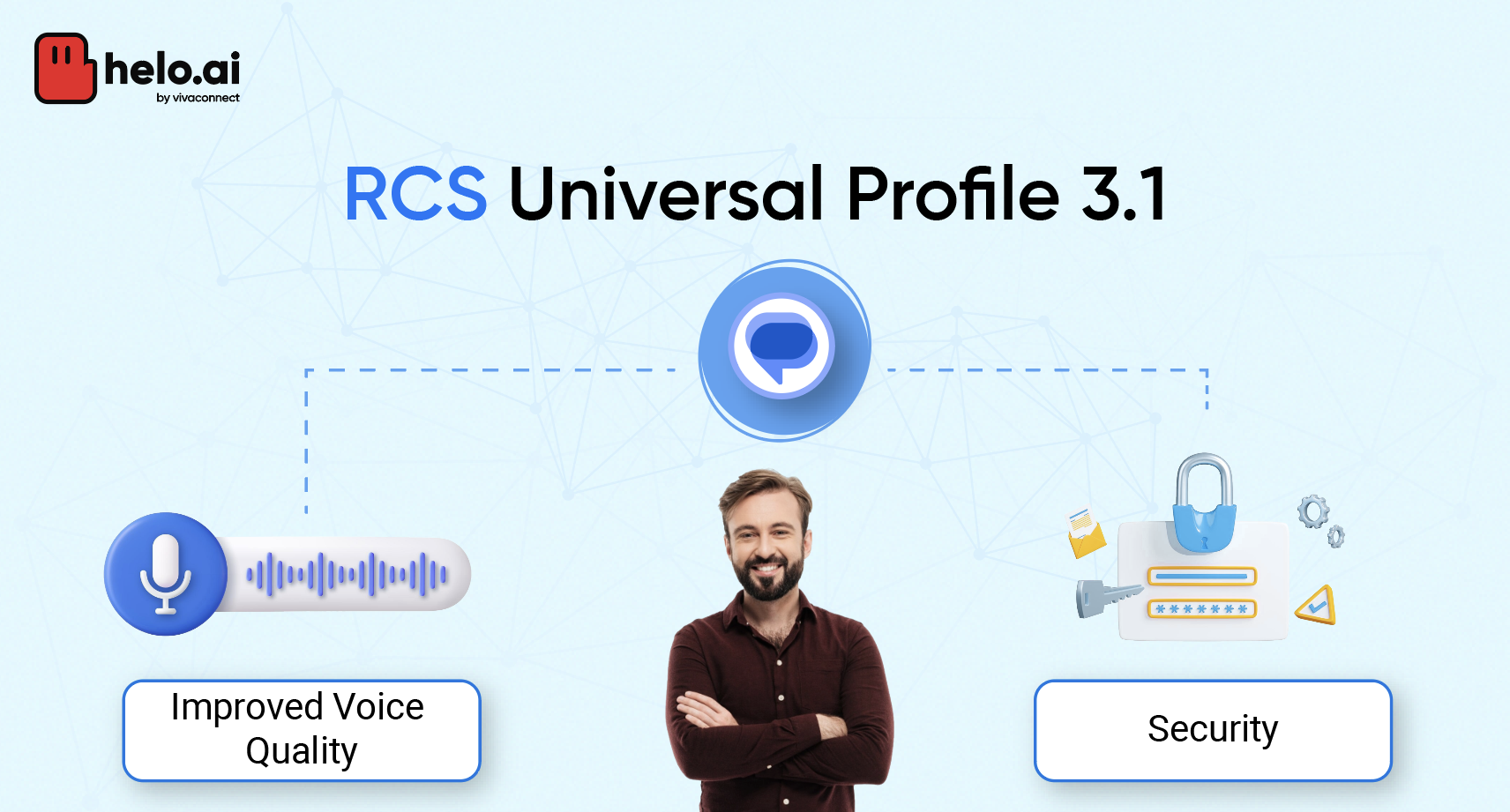


New Updates in RCS Universal Profile 3.1 - Quick Synopsis
- RCS Universal Profile 3.1 has full support for the xHE-AAC codec. Now, you will get better quality and smaller voice messages. You will be able to hear people and background sounds much clearer in the messages.
- The use of push notifications makes messages more reliable. This means messages can still get to you even when the network has some problems.
- There are new steps to stop spam and risky files. You can report anything strange right away. This makes rcs chats and sharing files inside them feel much safer for all people.
- With deep-link support, you can start rcs chats from apps or websites with just one tap. This brings rcs closer to what leading messaging apps like OTT give you.
- The new update uses the Universal Profile 3.0 MLS end-to-end encryption. Now, this extra privacy covers all rcs clients even on Apple’s iOS 18.
- This is a move that makes rcs stronger as a rich communication service. It helps rcs keep up with google messages and other great universal profile text and chat services.
Keep reading for detailed information:
Announced on July 25, 2025, by the GSMA, RCS Universal Profile 3.1 brings big updates to Rich Communication Services (RCS). This new standard helps group chat work better for all. It also lets RCS clients get to operator services faster and with less trouble. Because of these changes, you now get a better and smoother time in your RCS Chats. With a universal profile, group chat and RCS feel much easier and more stable for people to use.
Media quality has improved a lot now. You can send voice messages that sound clear. You can share ambient sound clips, and people can hear them well. You can also send high-quality pictures and videos in group chat or one-on-one RCS Chats. This makes RCS chat feel good and new for all of us.
In the next parts, you will see how the new mechanisms help your voice messages sound good. These also keep your connection strong in rcs. You will feel happier every time you chat.
xHE-AAC Codec for High-Quality Voice Messaging
Previously, RCS clients could only play this codec. Now, they can record and play audio, allowing you to send voice notes and ambient sound clips with high quality and small file sizes. This means clear, real-sounding audio without taking up extra space or data.
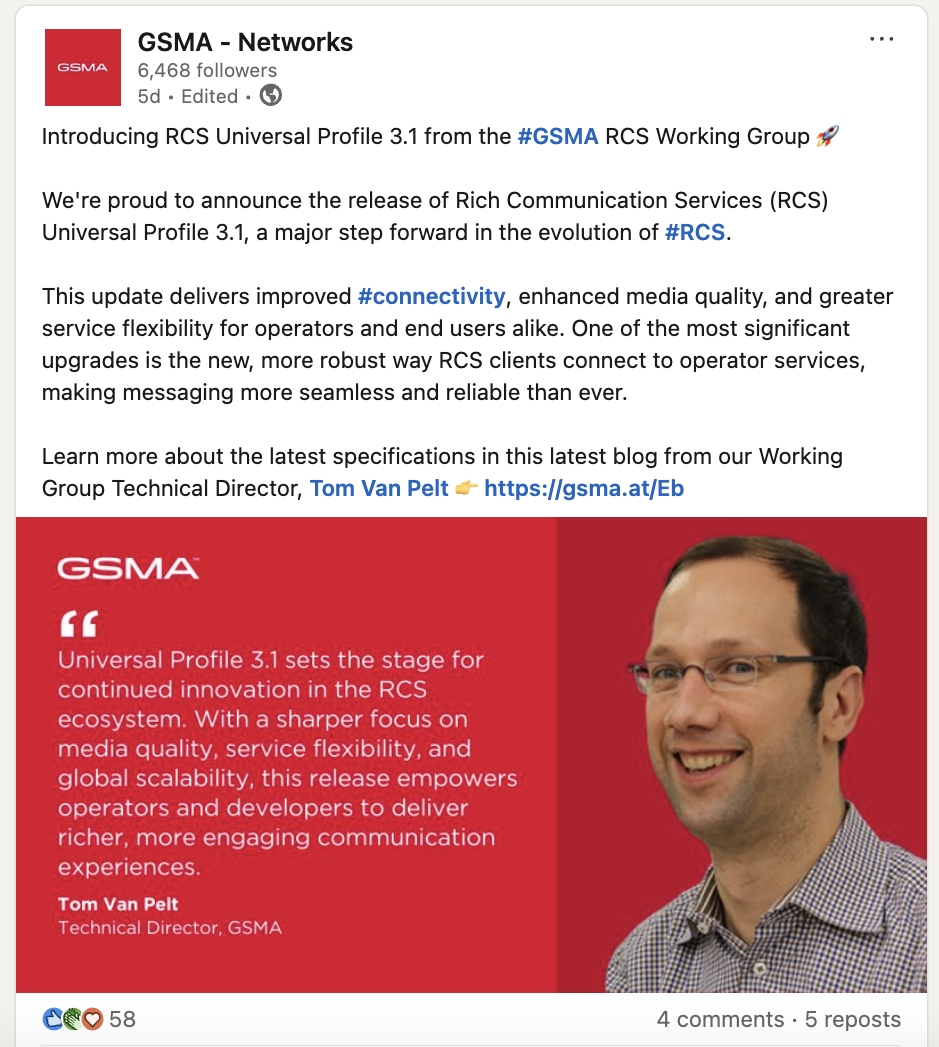
This upgrade benefits group chats, audio chatbots, and business messaging. GSMA’s Tom van Pelt says, “Voice is the most natural form of talking, and clear sound is key for user happiness.” With xHE-AAC, playback is crisp, noise is reduced, and compression artifacts are minimal.
Efficient compression also means faster sending and lower data use. With this update, RCS voice messaging now matches the audio quality of top messaging apps, making conversations for work or fun sound exactly as they should.
Enhanced Connection Handling with Push Notifications
It now uses push notifications, so your device no longer needs a constant link to operator services. RCS messages now work like popular apps such as WhatsApp and Telegram, offering a more reliable experience. You’ll get all your messages even if you switch between Wi-Fi and mobile data or pass through weak signal areas.
For phone makers and developers, updating RCS clients is key to support the new setup steps.
Push tools on Android and iOS also need proper management. As Google Messages and other apps adopt this, there will be fewer lost messages and lower battery use, improving overall performance.
In low-signal areas or when networks change, push-based delivery ensures messages still arrive. This update helps RCS catch up with other messaging apps, making it smoother and more dependable for everyone.
Security and Privacy Upgrades in Universal Profile 3.1
Universal Profile 3.1 comes with new updates for RCS messages. There is better encryption, so your chats are safer. It now checks files and senders more closely. With this, RCS messages keep your information safe from many risks. You will also get more control over what you see and who sends you messages.
Now, you can report files that seem bad and block senders who act in a way you do not like. Universal profile is here to make your chats with RCS feel even better and more safe.
These changes make the universal profile in RCS a strong and safe choice for rich communication services. You can feel good knowing that your chats and the files you send are protected with this upgrade.
It works the same whether you are at work, at home, or doing something else. The RCS universal profile gives you one easy way to keep your information safe.
Advanced Spam and File Protection Features
The new security features in Universal Profile 3.1 are made to stop spam and make file sharing safe. The latest spam tools can help when you get text messages or files in RCS chats that you do not want. You can now flag both text messages and some files. This lets users and operators spot and take care of any strange or bad content faster in RCS.
- Spam reporting checks both the real file or attachment and the sender. This helps to find threats faster and stop them.
- When you share files in rcs, there is strong encryption and extra checks. This lowers risks like malware or people trying to trick others by pretending.
- These new things work in group chats and business messages. Now, all types of chats will have more protection.
Universal Profile 3.1 is made so that everyone can use rcs chats and text messages safely. The new updates help you share files in an easy way and help stop spam. With these changes, you get a safe and clean feel every time you use rcs.
Building on End-to-End Encryption from Universal Profile 3.0
Universal Profile 3.0 introduced MLS-based end-to-end encryption (E2EE) to keep RCS messages private. Only the sender and receiver can read the message, even if they use different services.
Now, Universal Profile 3.1 takes it further. It raises file size limits, allowing images, documents, and audio to be sent more securely. All files stay encrypted while in transit, ensuring your shared content is kept private.
With E2EE Subspec 2.0, RCS now encrypts messages, media, and receipts from your phone to the recipient’s. This upgrade boosts privacy for group chats, business messaging, and personal conversations.
GSMA’s Dario Betti says, “You can’t skip security in modern messaging.” Universal Profile continues to make RCS chats, audio, and receipts safer, simpler, and more reliable for everyone.
Want to see how RCS stacks up against SMS? Read our in-depth guide on RCS vs SMS to explore the benefits of upgrading your messaging experience.
Frequently Asked Questions
Which mobile carriers and devices in India support RCS Universal Profile 3.1?
Top carriers in India, such as Jio, Airtel, and Vi, are working on upgrades for their networks. They want to add support for RCS Universal Profile 3.1. Most new Android phones that use Google Messages will be able to get this upgrade.
The operators and phone brands will share this support with their users as they make it available. This means people in India will be able to use a new and better way to chat with the help of Google, RCS, google messages, and the universal profile. This upgrade will let them chat better on their Android phones.
How do I enable and use RCS Universal Profile 3.1 features on my smartphone?
To turn on RCS Universal Profile 3.1, first open Google Messages > Go to Settings and check that RCS chats are on. You have to use a device and a carrier that supports this update. When you turn it on, you will get better voice messages.
You will also get more control over spam and safer file sharing. The google messages app uses the rcs universal profile to make these features work for you.
What makes RCS Universal Profile 3.1 competitive with leading OTT messaging apps?
RCS Universal Profile 3.1 now helps you make your files smaller. This means you can send them faster. You also get push notifications that come up more quickly. With deep links, you can go right to other parts of the app. It has strong safety features as well. The universal profile brings things you see in top chat apps, such as WhatsApp and Telegram.
With all these updates, RCS is as fast as these apps when it comes to sending messages. You still get the same good media quality and strong safety. The new RCS universal profile lets you enjoy all this when you use the chat app.
What are the key new features introduced in RCS Universal Profile 3.1 compared to previous versions?
This upgrade for the app now lets you use the full xHE-AAC codec for voice messages. It helps the app connect better through push notifications. You will also have more safety from spam and unsafe files. Deep-linking lets the app work with other apps from the outside with ease. All these new things come with Universal Profile 3.0. This profile already gives end-to-end encryption for RCS messages on every platform.
What impact does RCS Universal Profile 3.1 have on voice message quality and multimedia sharing?
With the xHE-AAC codec, the media quality of both audio and voice notes gets a big lift. This codec helps you get clear and crisp audio every time you use it. It also gives you efficient compression. So, your files are not too big, but the sound is still good. When you send ambient sound clips or voice notes in RCS chats, the audio feels more real. It sounds smooth and natural. Decoding is quick, and playback stays smooth every time you use RCS. This makes it easy for you and your friends or other people to enjoy great audio together.
How do I enable and use RCS Universal Profile 3.1 features in Google Messages?
Just update the Google Messages app. Then, open Settings. There, turn on RCS chats. If your phone and service let you use this, you will get messages that need less data. You will also get better spam safety and stronger push alerts. This helps the RCS universal profile work better in the app from Google. When you follow these steps, your universal profile will work well with Google Messages.
What security and privacy improvements come with RCS Universal Profile 3.1?
Universal Profile 3.1 makes things safer by using even better encryption. It keeps your files and rcs messages safe from start to finish. It checks the sender, so you can know the messages are from the right person. This helps to stop spam. It also keeps out harmful software and stops other people from pretending to be you. With a universal profile, you get more control over who can read your rcs messages. You also feel safer and have more say in your privacy.

-2.webp&w=828&q=75)


.jpeg&w=96&q=75)