.jpeg)
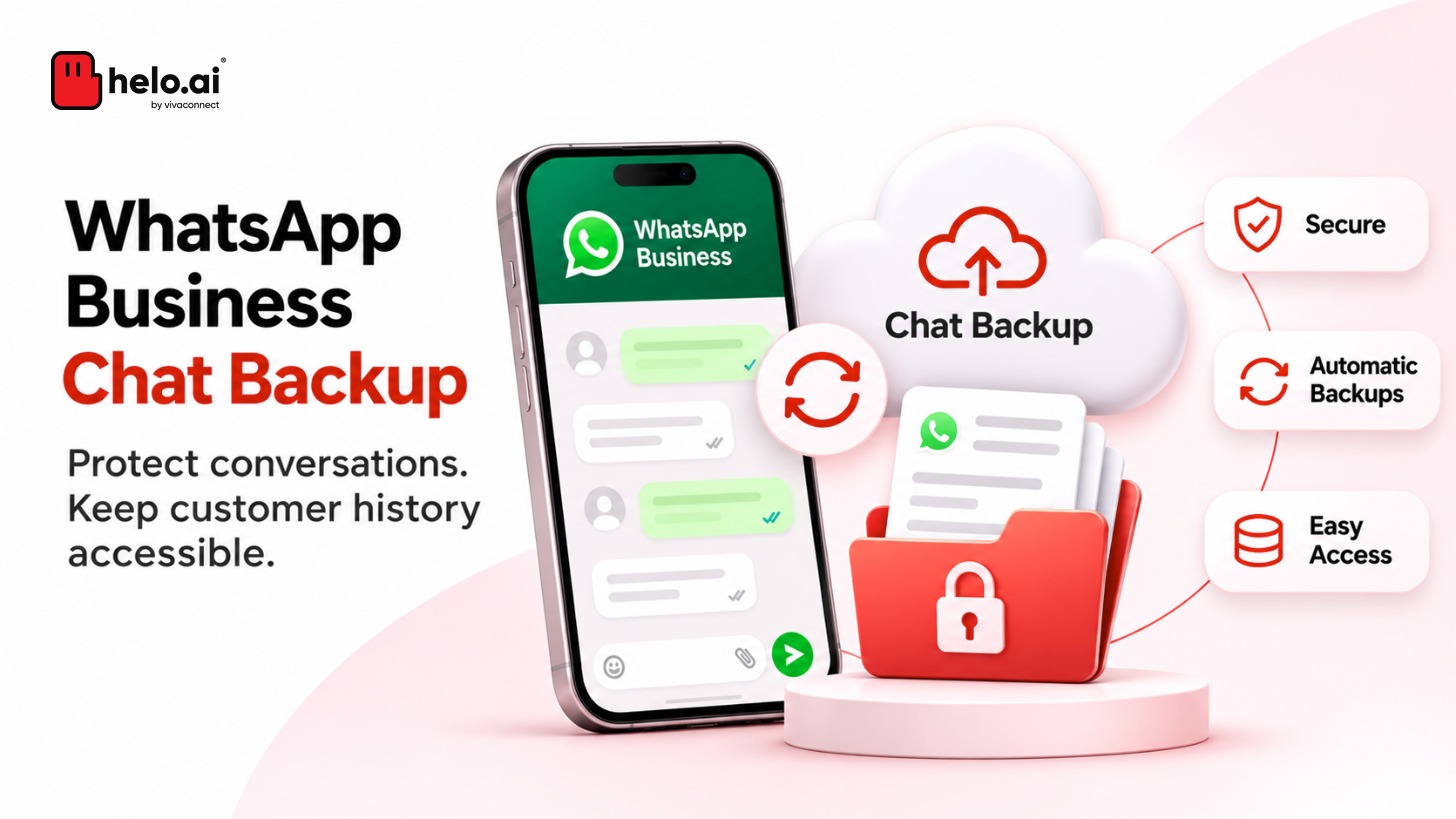


WhatsApp Business conversations can contain customer enquiries, order details, important follow-ups and business information. Losing these chats can mean losing more than messages.
If you use the WhatsApp Business app, regular backups help protect your chat history. But businesses using the WhatsApp Business API manage conversations differently, often through a shared inbox, CRM or customer communication platform.
Here's how both work.
Back up WhatsApp Business app chats to a Google Account on Android or iCloud on iPhone, and restore them when changing phones. API conversations are different, because they are stored through connected platforms such as shared inboxes and CRMs. Confirm retention, export and recovery with your provider.
How to Back Up WhatsApp Business Chats
The WhatsApp Business app lets you back up chats to cloud storage so you can restore them when changing phones or reinstalling the app.
On Android
You can back up chats to your Google Account.
- Open WhatsApp Business.
- Go to Settings → Chats → Chat backup.
- Select your Google Account.
- Choose how frequently you want backups.
- Tap Back up to save your chats immediately.
You can also choose whether videos should be included.
Source check: WhatsApp’s Google Account backup page says each new backup overwrites the previous one, Google may delete backups not updated in 5 months, and backups are not end-to-end encrypted unless you turn that on. Google’s Android help gives the same Settings, Chats, Chat backup path for WhatsApp. Neither page mentions the Business app.
On iPhone
WhatsApp Business uses iCloud for chat backups.
- Open WhatsApp Business.
- Go to Settings → Chats → Chat Backup.
- Check your last backup date and size.
- Tap Back Up Now.
- Enable automatic backups to keep your chats updated.
Make sure iCloud Drive is enabled and you have enough storage.
How to Restore or Recover Old WhatsApp Chats
When switching phones or reinstalling WhatsApp Business, you can restore your chats from an existing backup.
- Install WhatsApp Business on your new phone.
- Verify your phone number.
- Sign in to the same Google Account or Apple Account used for the backup.
- When prompted, tap Restore.
Your backup may not contain messages received after the last successful backup.
If your old phone is still available, you may also be able to transfer chats directly to your new phone using WhatsApp's supported chat transfer option. This can be useful when you don't have a recent cloud backup.
Check the chat transfer option: WhatsApp’s help pages for iPhone to iPhone, iPhone to Android and Android to iPhone each say chat transfer is not possible on WhatsApp Business. Business Standard (27 March 2026) reports the same for the new cross-platform transfer. Google’s Android help describes a “Transfer from old phone” option for WhatsApp but does not mention the Business app. Treat a recent cloud backup as the dependable route.
Why WhatsApp Business API Conversations Are Different
Businesses using the WhatsApp Business Platform API don't manage conversations through the app's Chat Backup feature.
Instead, incoming and outgoing messages are handled through connected platforms such as shared inboxes, CRM systems or customer communication software, usually integrated through a Meta partner or solution provider.
Conversation storage depends on the platform the business uses and its data-retention configuration. This makes it important to understand where messages are stored and how they can be accessed or recovered.
Source check: Meta’s data privacy page says Cloud API messages have a maximum retention period of 30 days, which supports features such as retransmission. A longer record therefore has to be kept by the business or its provider. Meta’s local storage page says a business can choose the country where message content is stored at rest.
How CRM Integration Helps Protect Business Conversations
When WhatsApp conversations are connected to a CRM or business inbox, customer interactions can become part of a central record.
This helps businesses:
- Keep customer conversations accessible to authorised teams.
- Reduce dependence on individual employees' phones.
- Track customer queries, responses and follow-ups.
- Maintain context when conversations move between agents.
- Review past interactions without searching multiple devices.
CRM integration isn't automatically a backup system. Businesses should confirm what data is retained, how long it is stored, whether media is included and how it can be exported or recovered.
Source check: Meta’s documentation says a business onboarding its Business app number to the API can share up to 180 days of chat history, and group chats are excluded. Chats stay in the app and sync both ways. Read Helo.ai’s coexistence guide for how the setup works.
Planning your WhatsApp setup?
See how Helo.ai supports WhatsApp messaging, inboxes and integrations for businesses.
WhatsApp Business App vs API: How Conversations Are Stored
| WhatsApp Business App | WhatsApp Business API |
|---|---|
| Chats managed through the mobile app | Conversations managed through connected platforms |
| Backup through Google Account or iCloud | Storage depends on inbox, CRM or provider |
| Restore chats when changing devices | Access records through the connected platform |
| Suitable for smaller, phone-based operations | Suitable for team-based and integrated communication |
| Backup settings managed by the user | Retention and data management depend on the provider |
If you're evaluating which setup suits your business, read our WhatsApp Business App vs WhatsApp Business API guide.
For businesses managing chats across multiple agents, our Shared WhatsApp Team Inbox Guide explains how team-based conversations can be managed more efficiently.
WhatsApp Business API Pricing and Enterprise Data Management
WhatsApp Business API messaging charges in India are separate from the cost of storing and managing conversation records. Depending on your setup, businesses may also pay for a CRM, BSP, shared inbox, integration or automation platform.
For businesses handling high volumes of customer communication—even 200M+ messages per month across communication channels—conversation storage is only one part of the requirement.
Source check: Helo.ai’s newsroom says Helo.ai sent over 238 million WhatsApp messages in May 2025 alone. The page gives no publication date. Meta’s pricing page says WhatsApp bills per delivered message from 1 July 2025.
Teams should also evaluate:
- Data retention and export policies
- Backup and recovery processes
- Role-based access and permissions
- Platform uptime and support SLAs
- Monitoring, redundancy and disaster recovery
- API throughput and system reliability
These factors become especially important when WhatsApp conversations are part of customer service, sales, payment support or other business-critical workflows.
Managing Team Conversations Through Helo Hub
For businesses managing WhatsApp conversations across multiple agents, Helo Hub centralises agent conversations so teams can access customer interactions from a shared platform instead of relying on individual phones.
Teams can manage customer interactions centrally, maintain conversation context and keep follow-ups organised.
For enterprise deployments, businesses should confirm the applicable retention, export, recovery and access policies for their configuration.
Check the product name: Helo.ai’s Hub page describes Helo Hub as a white-label CPaaS for telecom operators and does not mention agent conversations or a shared inbox. Helo.ai’s Conversations page describes a OneView inbox synced with a CRM and human handoff, but gives no retention periods or export options. Confirm which product this section describes and its retention and export terms.
Manage conversations centrally
Want to manage customer conversations centrally? Talk to an Expert about Helo Hub.
Frequently Asked Questions
How often should I back up WhatsApp Business chats?
Daily backups are a good option if you regularly receive important customer messages. Choose a backup frequency based on how much chat history you can afford to lose.
Can I restore WhatsApp Business chats without a backup?
If your old device is still available, you may be able to transfer chats directly. If neither a backup nor the original device is available, recovery options are limited.
Does WhatsApp Business API automatically save conversations in my CRM?
Not in every setup. Conversations are managed through connected platforms, and CRM synchronisation and retention depend on your integration and configuration.
Is WhatsApp API better for businesses with multiple agents?
It is generally better suited for shared inboxes, team access, integrations and structured customer communication than relying on a single phone.
Conclusion
WhatsApp Business app users should regularly back up their chats to avoid losing important conversations when changing devices or reinstalling the app.
Businesses using WhatsApp API should focus on centralised conversation management, CRM integration, data retention and recovery policies.
The goal isn't just to save messages. It's to ensure customer conversations remain accessible, useful and protected when your business needs them.
Note. Helo.ai offers WhatsApp services and published this guide. Meta, WhatsApp and Helo.ai pages were checked on 23 November 2026, and WhatsApp backup options, features and pricing change often.